
Confirm the appointment
when they pay.
Ask for payment by card or SINPE (Costa Rica’s instant bank transfer) to secure each booking. When the payment arrives, the appointment is confirmed and your customer gets the confirmation on WhatsApp, so the people who really book actually show up.
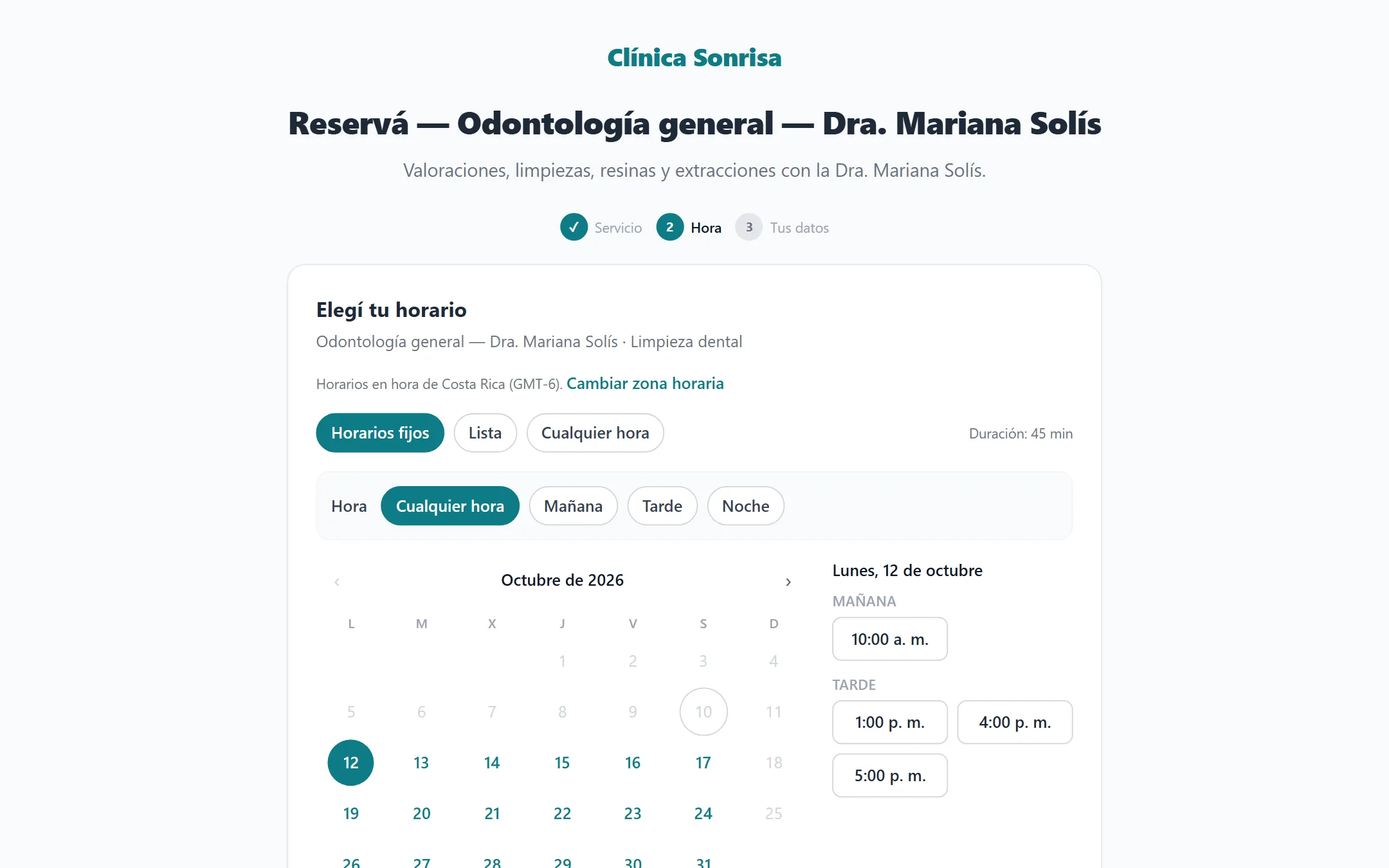
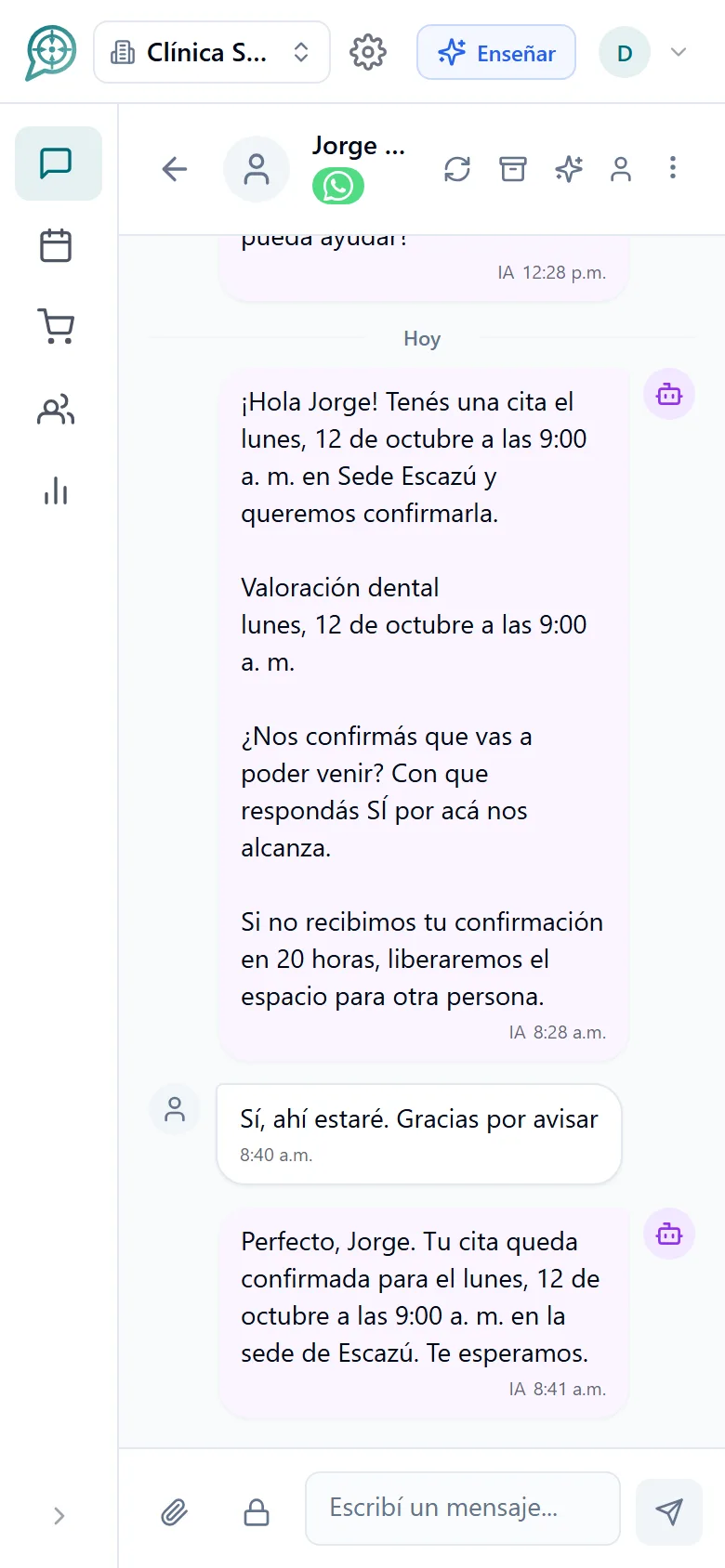
From "I want an appointment" to confirmed payment.

Choose what to charge
Mark which services require payment and how much, or charge a fixed amount per booking as a deposit.

The customer pays
By card online or by SINPE. The time slot stays reserved while they pay.

It is confirmed on WhatsApp
When the payment arrives the appointment is secured and the customer gets their confirmation and reminders.
Charge the way you prefer and the way they prefer.
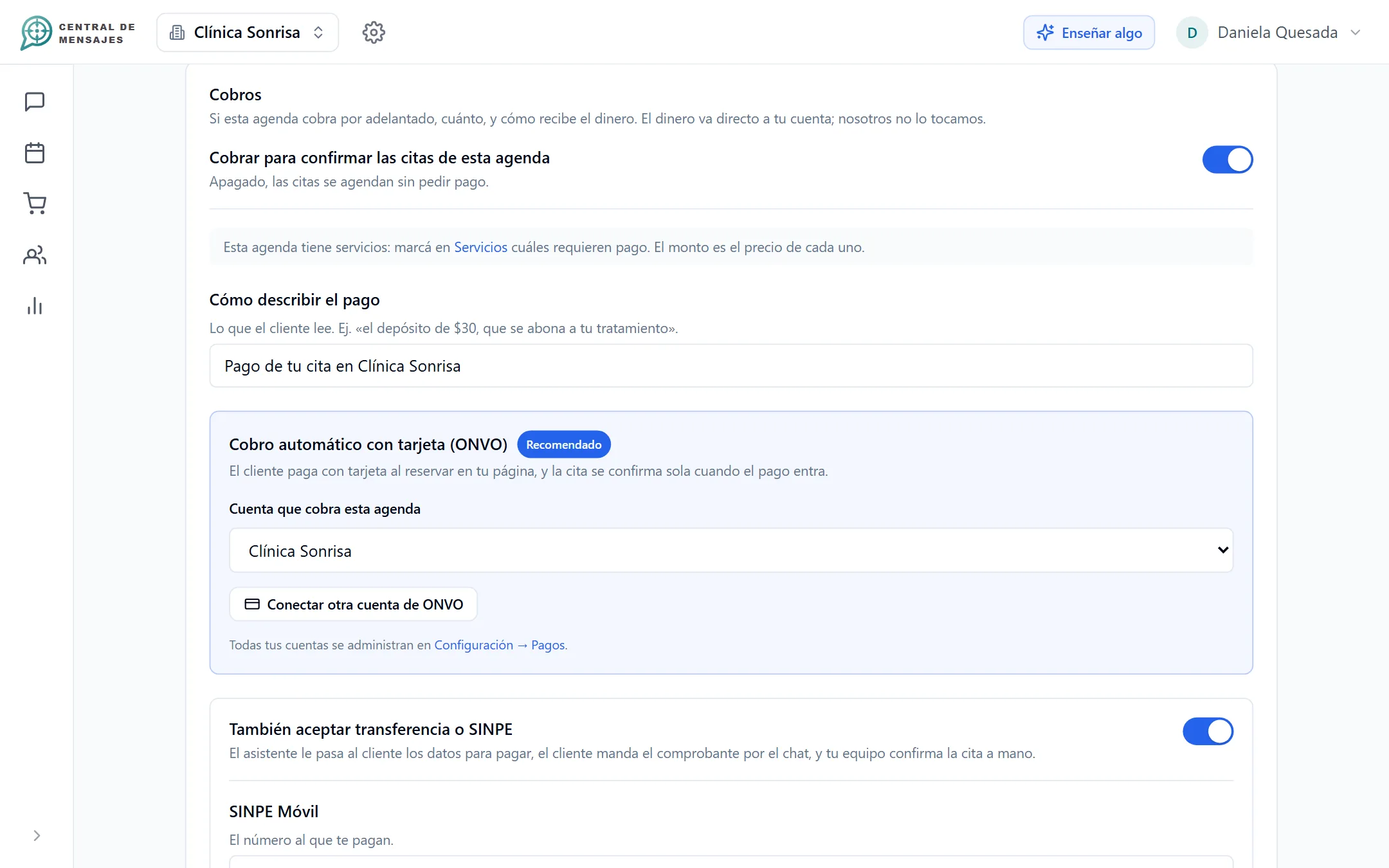
Each calendar can charge in a different way, and each service decides whether it requires payment.
- Card: online payment with ONVO. The money arrives in your account; it does not pass through us.
- SINPE and bank transfer: you share your number and your accounts, the customer pays and your team confirms the payment.
- By service: one consultation can require a deposit and another not.
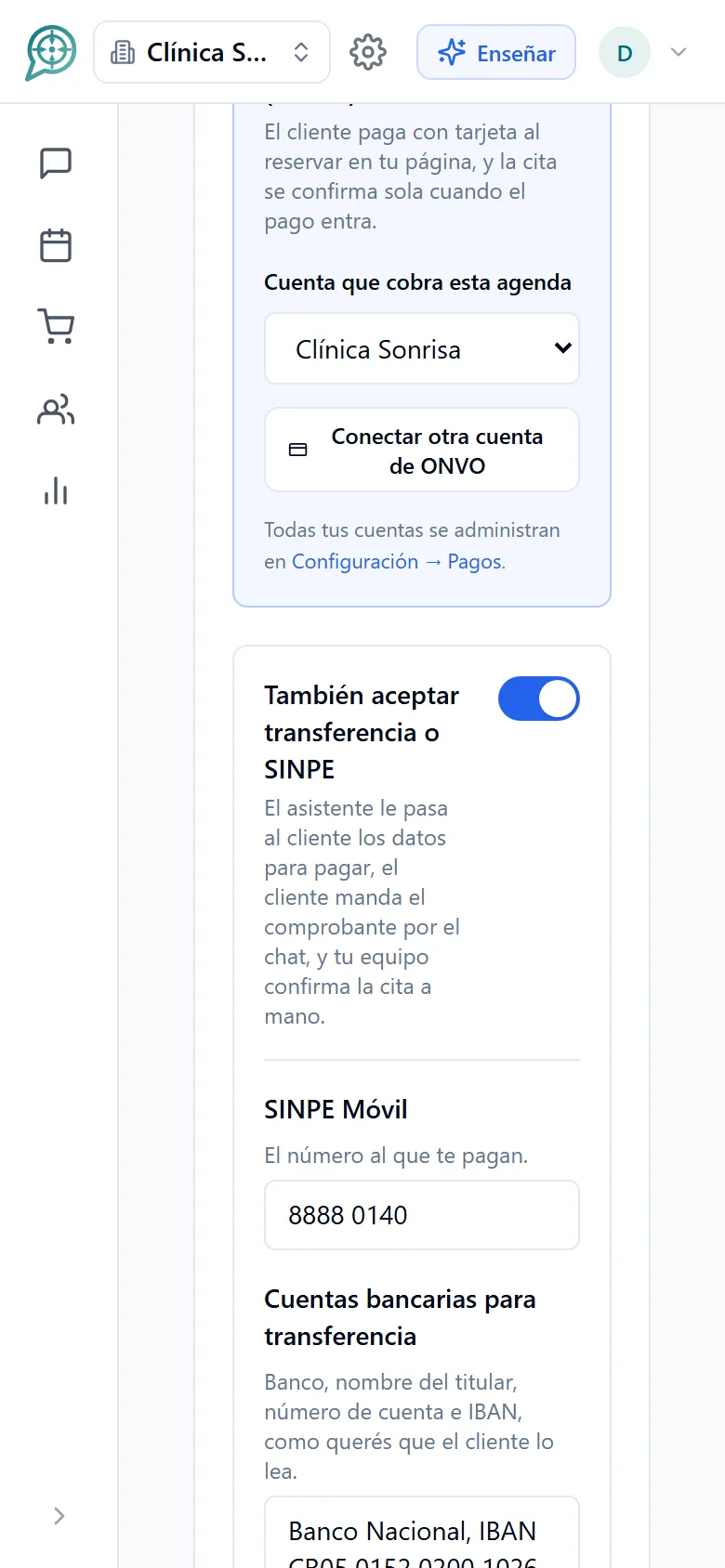
The slot is held while they pay.
Nobody takes your time slot, and you do not lose it to a customer who does not pay.
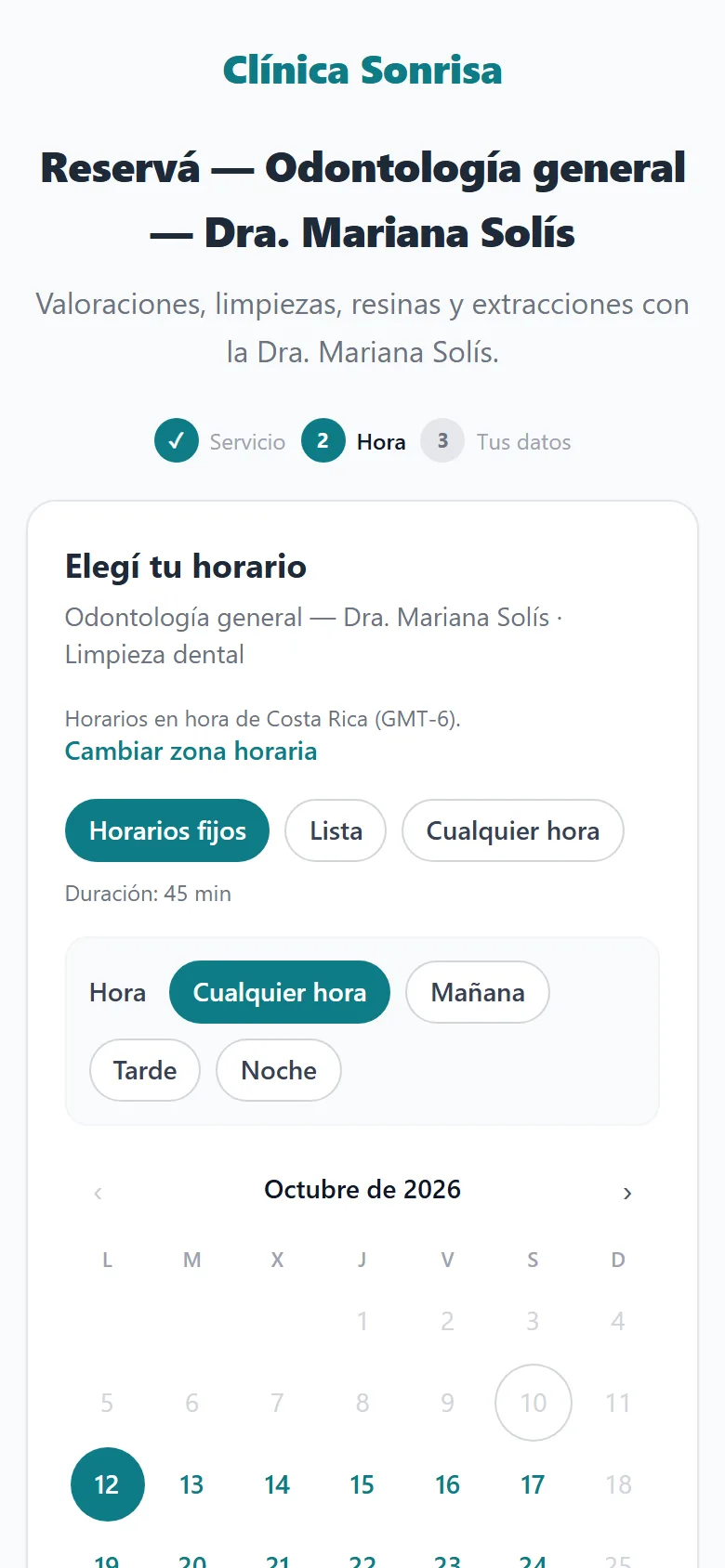
- The customer picks their time in the chat or on your booking page and immediately gets how to pay.
- If the payment does not arrive in time, the slot is released on its own and becomes available again.
- Your calendar shows which appointments are awaiting payment, paid and confirmed.
One simple question prevents the no-show.
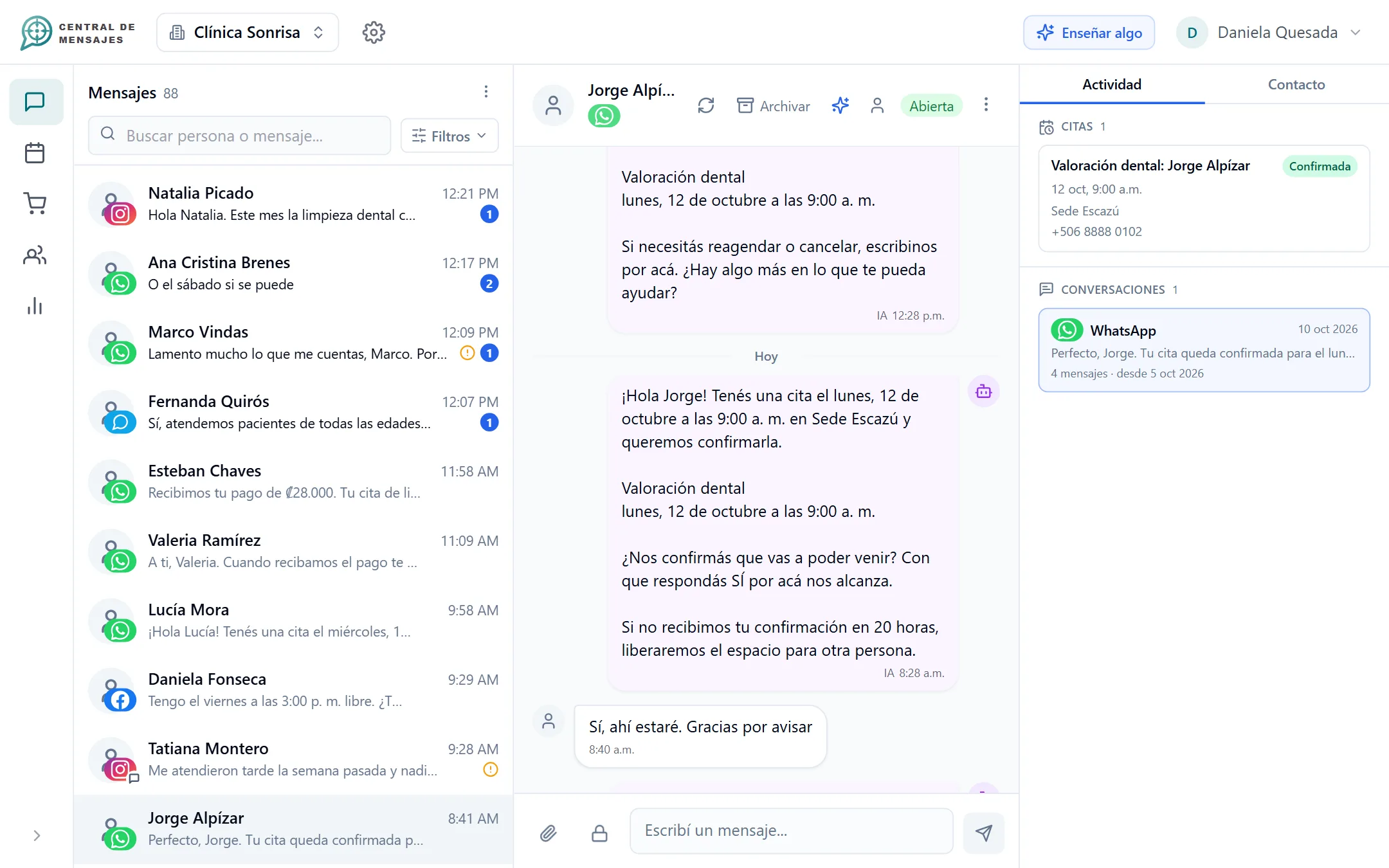
Before the appointment, the customer gets a reminder and the question "Are you confirming?" They answer "yes" and it is confirmed.
- Reminders as far ahead as you choose, in the same conversation where they booked.
- If they do not answer within the time you define, you can release the slot automatically.
- It works even if you do not charge: a practice without deposits wants confirmations too.
Connect your payment account without leaving the app.
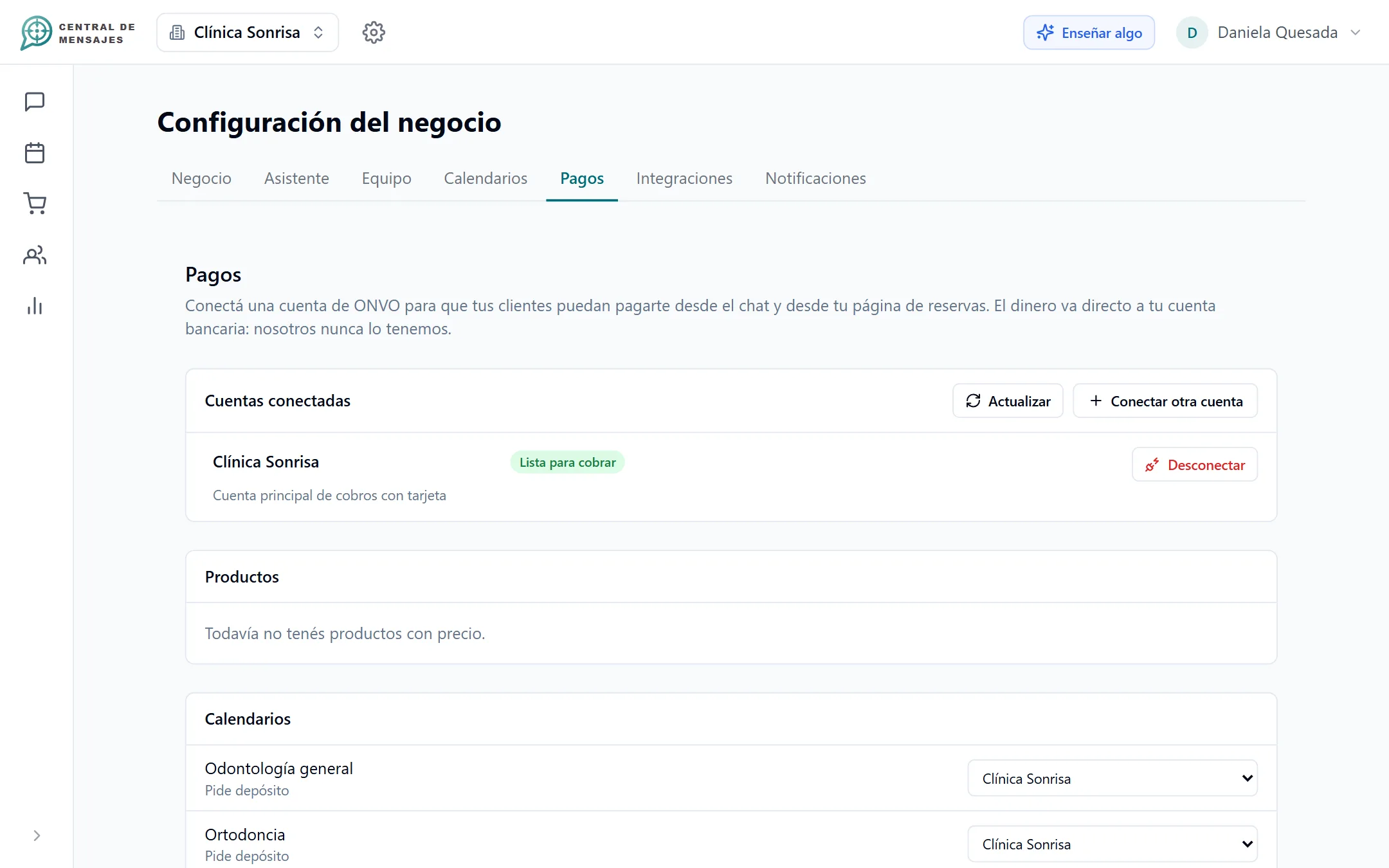
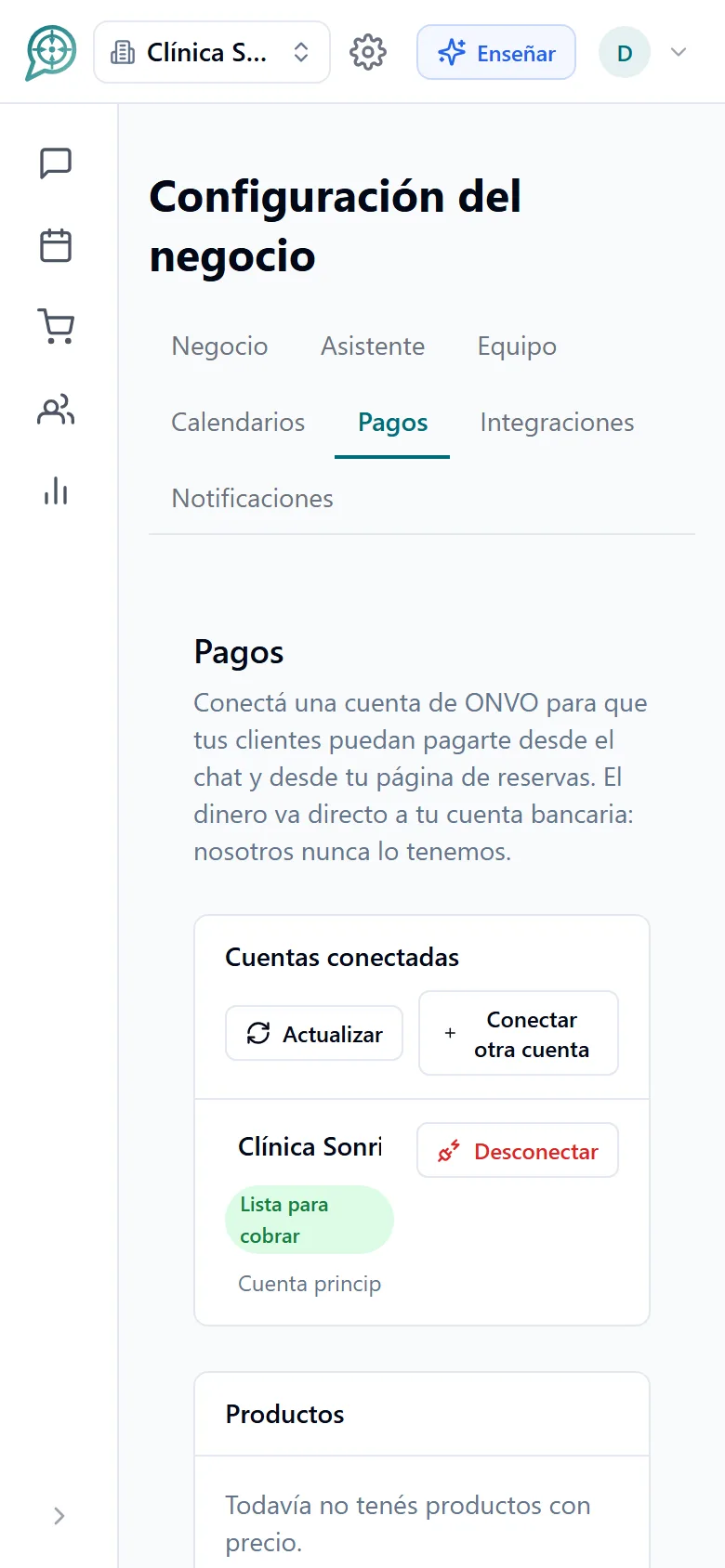
You create or link your account inside Central de Mensajes, with no separate paperwork, and you see the status of each payment.
- Each calendar can use a different account.
- If an account is not ready yet, the system does not let it charge.
- Your team reviews SINPE receipts before confirming.
Fewer no-shows, more appointments that actually happen.
Payment secures the commitment and confirmation renews it exactly when it is needed.
- Payment received: the appointment is secured.
- Reminder and confirmation question.
- The customer answers and everything is recorded in their conversation.
Less risk, less manual work.
Card payments
Secure online payment, with your payment account connected in minutes.
SINPE Móvil and transfers
Clear instructions for the customer and a review by your team before confirming.

Your money goes to your account
Central de Mensajes does not hold or keep your customers’ money.

Automatic reminders
Before the appointment, without you having to remember.

Fewer no-shows
Payment and confirmation filter out whoever does not plan to come.

Everything on the contact
Every booking, payment and confirmation stays in the customer’s history.
Frequently asked questions
How do I receive the money?
Card payments are processed with ONVO and arrive in the account you connected. Central de Mensajes does not hold or keep your customers’ money. SINPE payments go straight to your number or account.
What if the customer does not pay?
The slot is released automatically when the payment deadline passes and becomes available again for another customer.
Can I charge for only some services?
Yes. Each service in the calendar decides whether it requires payment. You can also charge a fixed amount per booking as a deposit.
Can WhatsApp confirmation be used without charging?
Yes. Reminders and the "Are you confirming?" question work with or without payment, and you can release the slot if there is no answer.
Does it work outside Costa Rica?
Card payments are designed today for Costa Rica, and SINPE Móvil is a Costa Rican method. If your business is in another country, message us and we will see which option makes sense.
Which plan includes payments?
Card and SINPE Móvil payments are part of the $50 and $100 plans. We have not opened the paid plans yet: see the pricing or message us and we will let you know.


Organize your messages,
multiply your sales,
get your day back.
We are opening Central de Mensajes gradually. Message us and we will help you try it in your business. No contracts.
+1 321 386-0810 · 2-week free trial, no credit card · Support over WhatsApp