
Reply and react
to every comment.
The comments on your posts and ads are customers in plain sight. The assistant handles them within minutes: it replies, reacts and, when needed, continues the conversation in private.
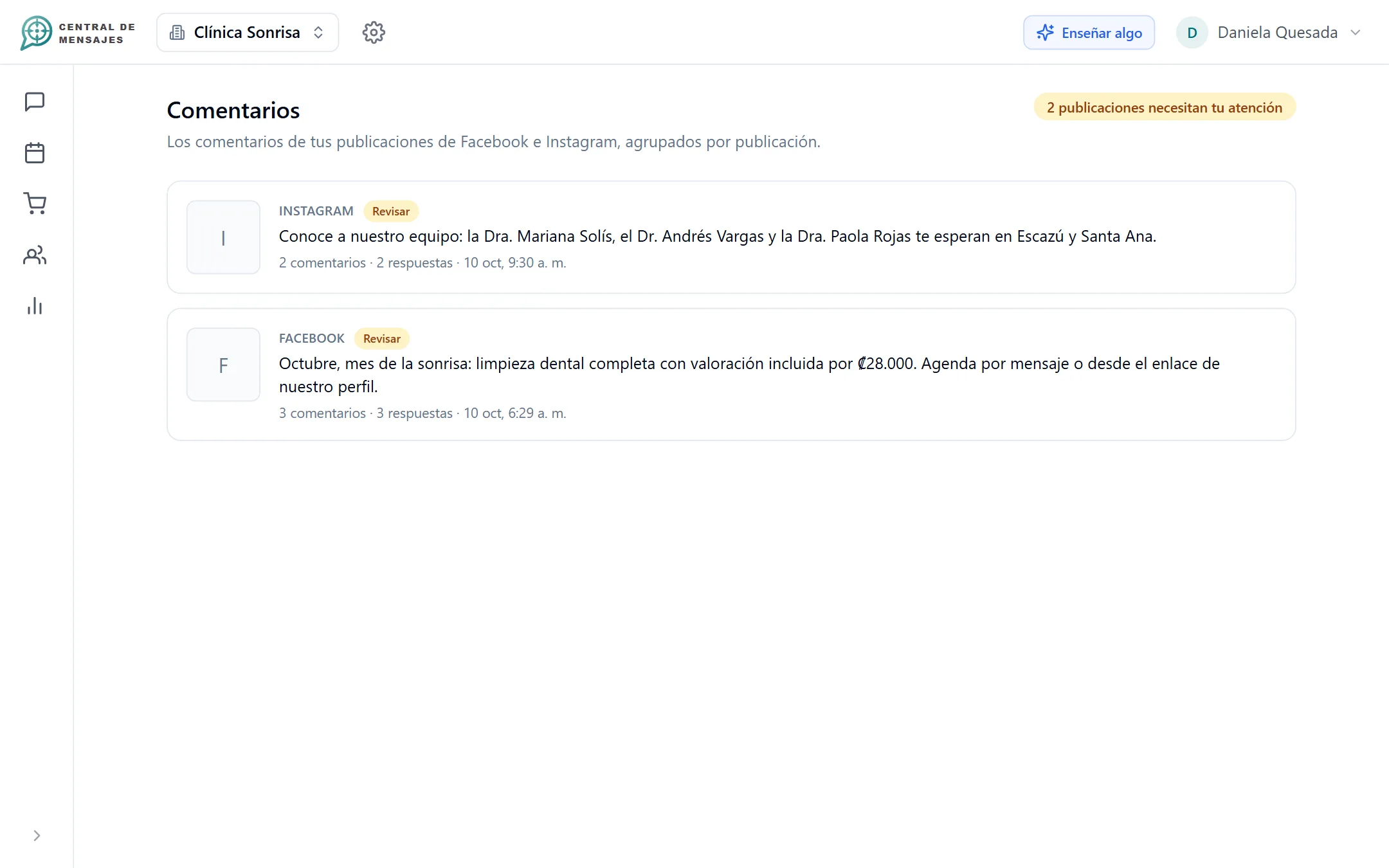
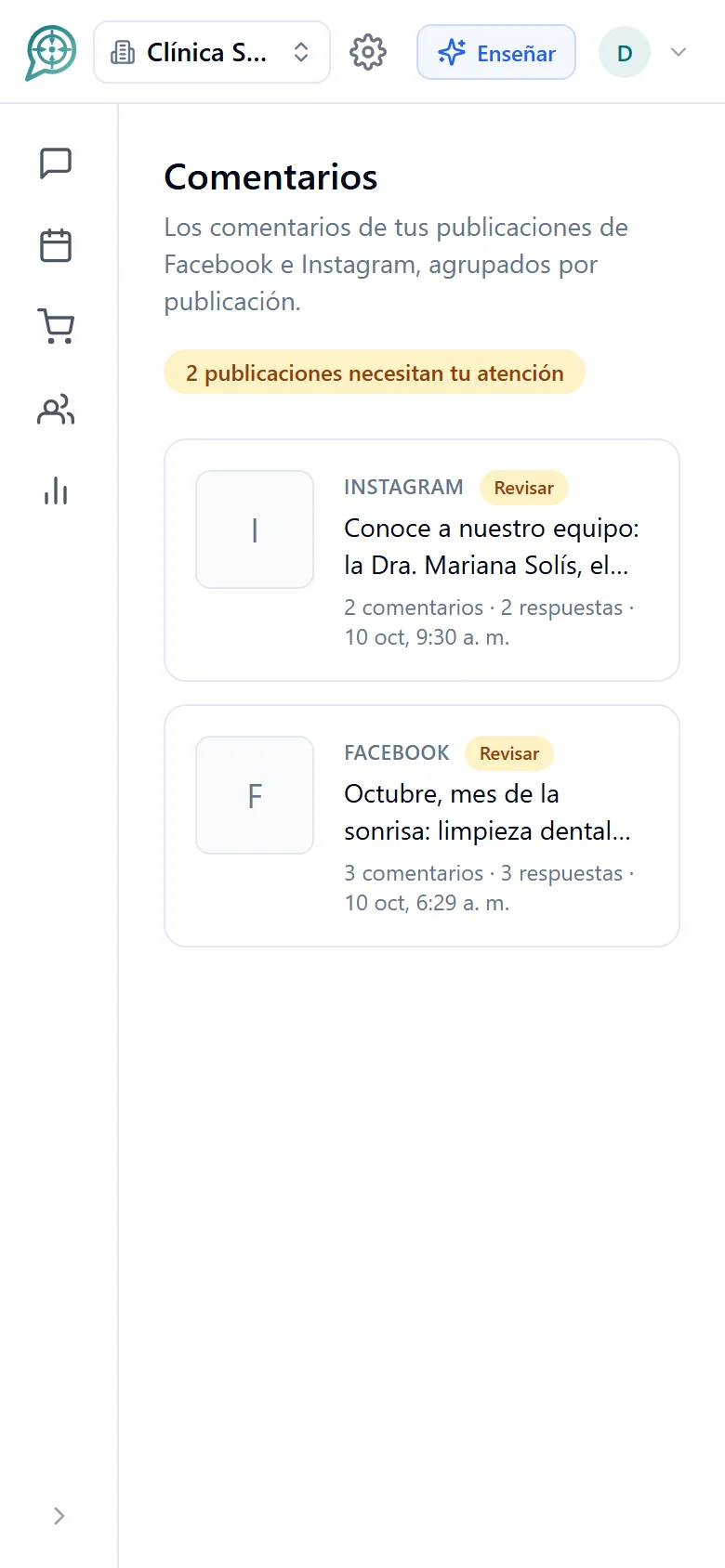
From a public comment to a private sale.

A comment arrives
On a post or an ad on your Facebook Page or your Instagram account.

The assistant understands it
It reads the comment, the post and what your business knows, and decides how to reply.

You see the result
Everything stays in your inbox, and whatever needs a person is flagged.
It reads the post before replying.
A six-word comment is almost never understood on its own. The assistant sees what the post or ad is about, image included.
- It uses the answers and files your business has already loaded.
- It never makes up a price, a schedule, an address or a promotion.
- When in doubt, it takes no risk in public: it invites them to write in private.
One reply for everyone and a message for whoever needs it.
The public reply is the one everybody sees; the private message is where the case gets resolved.
- A comment is never left without a reply, even if it is resolved in private.
- The private conversation continues in your inbox, with the assistant or with your team.
- Complaints and unanswered questions are flagged as pending review.
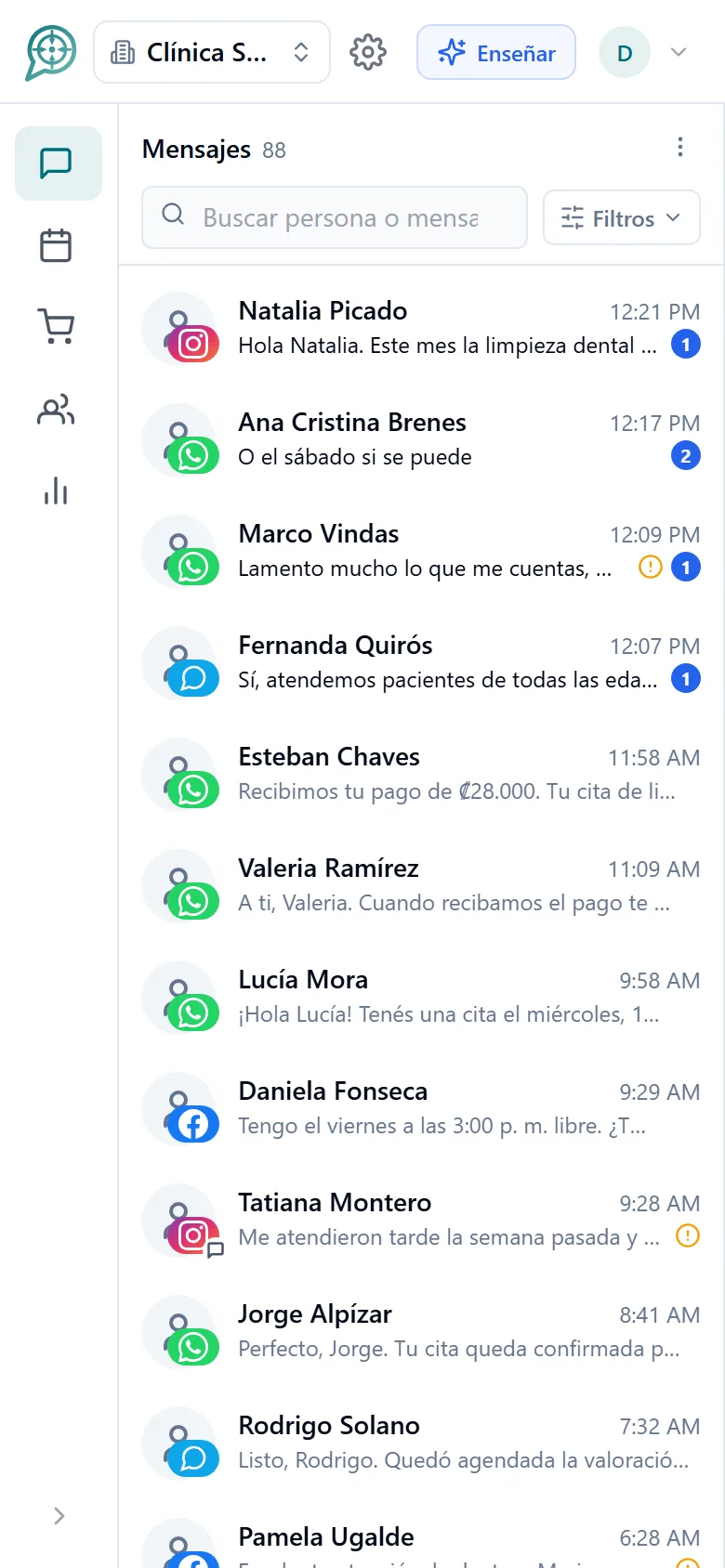
Control over what is posted in your name.
A wrong reply in public is seen and it stays. That is why comments have their own switches.
- A comments switch separate from the messages one, for each connected account.
- A general emergency stop to silence all replies.
- It only replies to new comments, posted after the account was connected.
- A warm, short tone, with no tags and no excess of decoration.
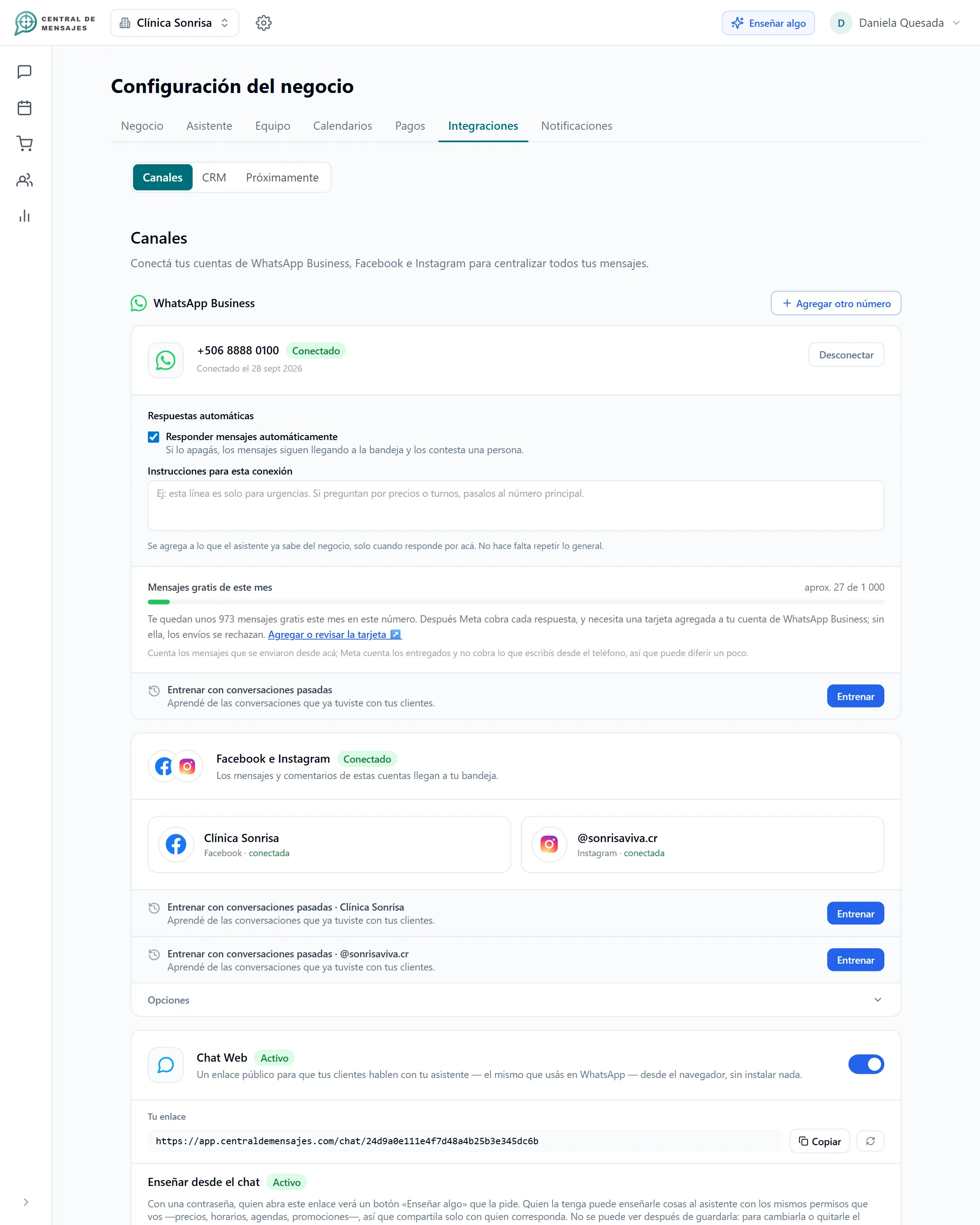
Four types of comment, four replies.
The assistant reads the comment, classifies it and acts the way an attentive person on your team would.
Replies in public
If the answer is in the post or in what your business knows, it gives the specific detail in a few words.
Invites them to private
It thanks them for their interest, replies in public and opens a private message to handle the case without making anything up.
Reacts and says thanks
It leaves a like on the comment and replies with a short, warm thank-you.
Apologizes and escalates
It replies respectfully without arguing, takes the details to a private message and leaves the case flagged for your team.
Made for Facebook and Instagram.
Public replies
It answers under the post, in your style.

Always up to date
It checks new comments continuously, without you having to open the app.

It learns from your business
The more you teach it, the more questions it resolves in public.
Escalation to your team
Complaints reach a person with the full context.

Same inbox
Comments and private messages together, without switching screens.

Immediate reply
A comment at 11 p.m. is handled just like one at noon.
Frequently asked questions
Does it react to comments or only reply?
Both. On positive comments it leaves a like and a short thank-you. It answers the questions, and to complaints it replies with an apology and opens a private message.
What if it does not know the answer to a question?
It does not improvise. It thanks them for their interest, invites them to write in private and leaves the case flagged for your team. Also, every unanswered question points out what is left to teach it.
Can I turn off replies to comments?
Yes. Comments have a switch separate from the messages one on each account, and there is a general stop that silences all of the business’s replies.
Does it work with ads?
Yes, it reads the post or ad where the comment was written so it can reply with context.
Does it reply to old comments?
No. It only handles comments posted after your account was connected, so it does not reply out of time.
Does it work with TikTok?
Not yet. Today we cover Facebook and Instagram; TikTok replies are on our development plan.


Organize your messages,
multiply your sales,
get your day back.
We are opening Central de Mensajes gradually. Message us and we will help you try it in your business. No contracts.
+1 321 386-0810 · 2-week free trial, no credit card · Support over WhatsApp