
All your channels.
One assistant.
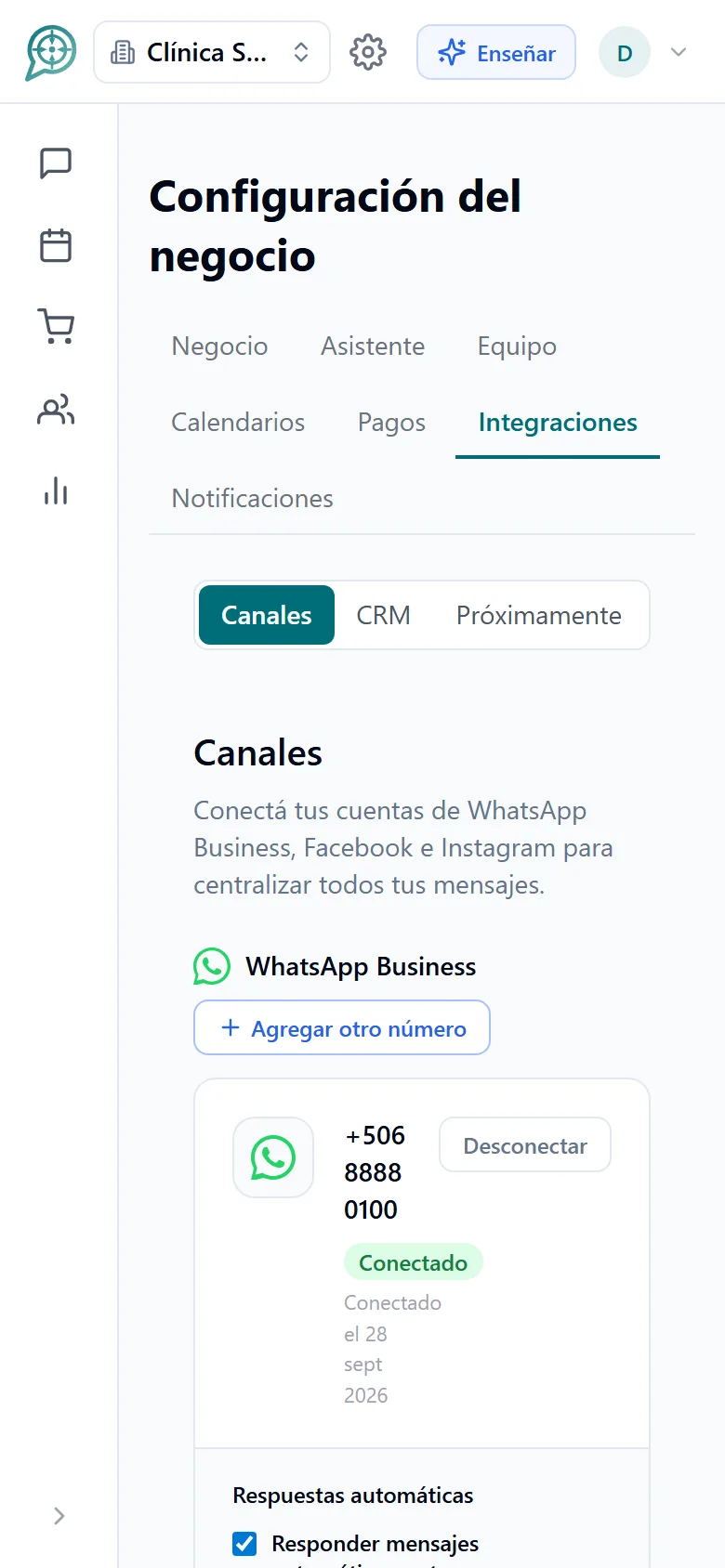
WhatsApp, Instagram, Facebook and your website chat arrive in the same inbox and are handled by the same assistant, using what it knows about your business. Your team steps in whenever it wants.
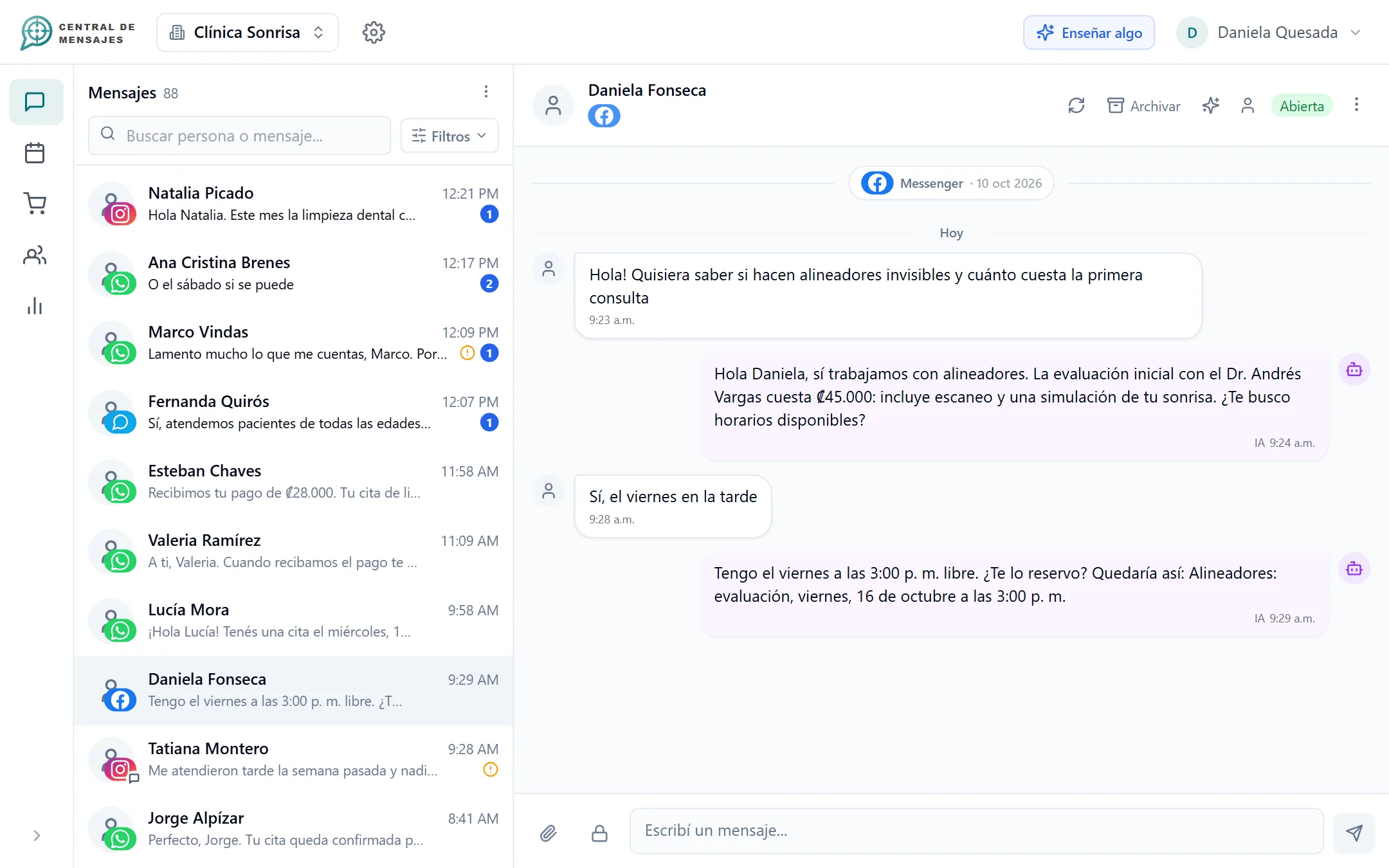
Connecting your channels takes minutes.

Connect
Facebook and Instagram with one click, your WhatsApp Business numbers and your business web chat.

The assistant answers
With your catalog, your hours and your rules, on any channel at any hour.

Your team takes over
You write and the AI pauses. You hand it back whenever you like, or it turns itself back on.
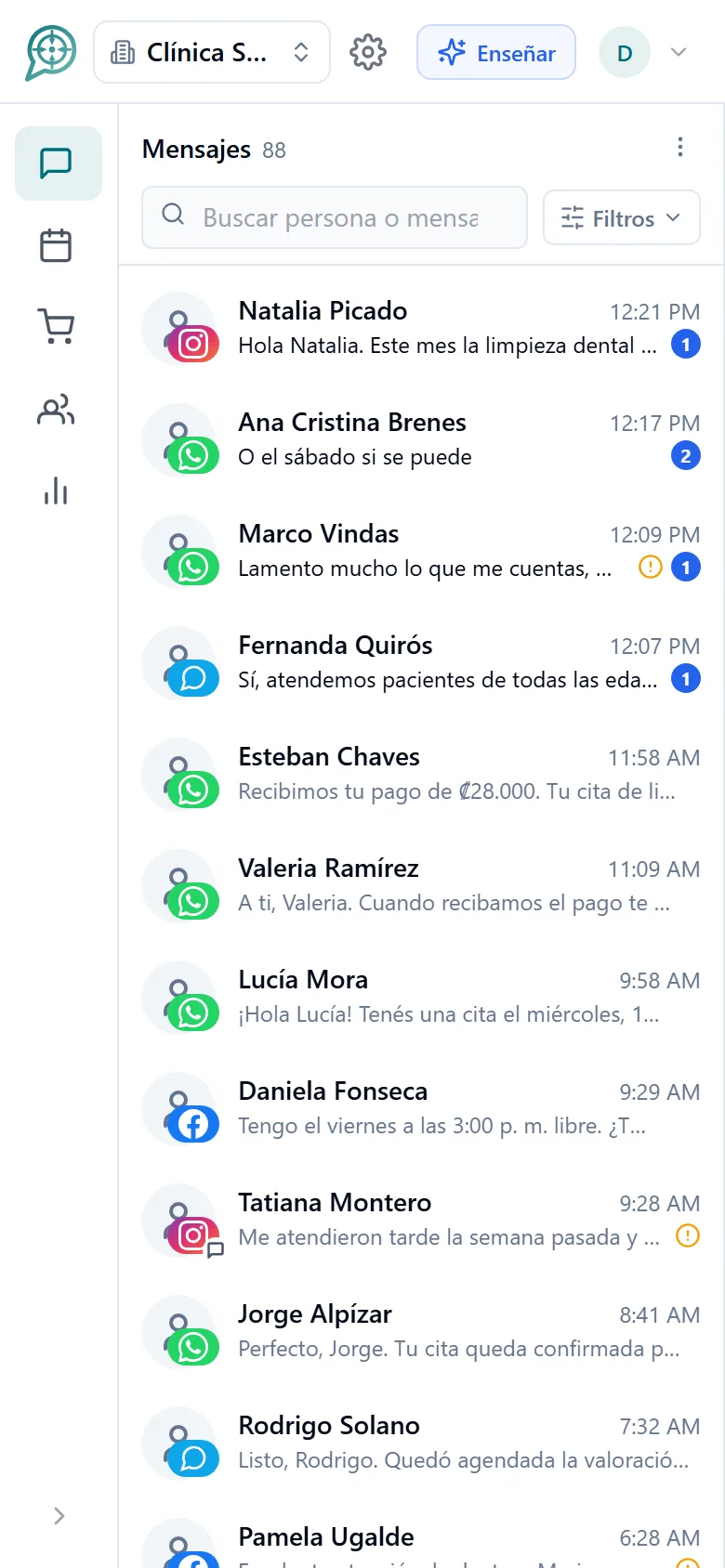
Every conversation, in one place.
You stop jumping between apps. You see who wrote, through which channel and what is left to answer.
- WhatsApp Business, with one or several numbers.
- Messenger messages and comments on your posts.
- Instagram direct messages and comments.
- Web chat for your website, your bio or a QR code.
- Your customers’ voice notes are transcribed so you can read them.
The AI answers where you want it to.
Each connection has its own switches and its own purpose.
- Turn the automatic reply on or off per number, Page or account.
- Messages and comments are two separate switches.
- Give each line its own instructions: one for sales, another for appointments.
- A general emergency stop in case you need to silence everything.
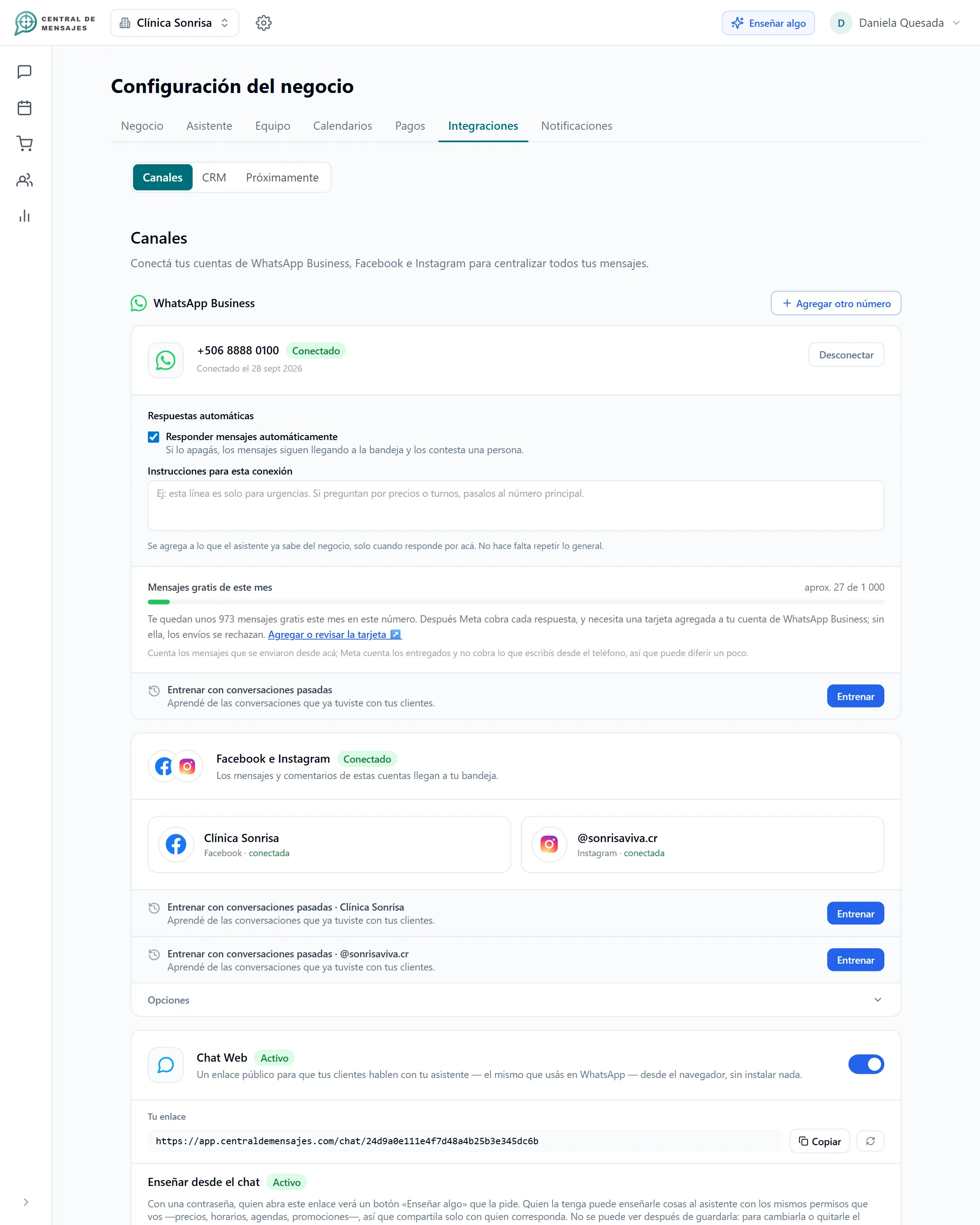
The chatbot for your website.
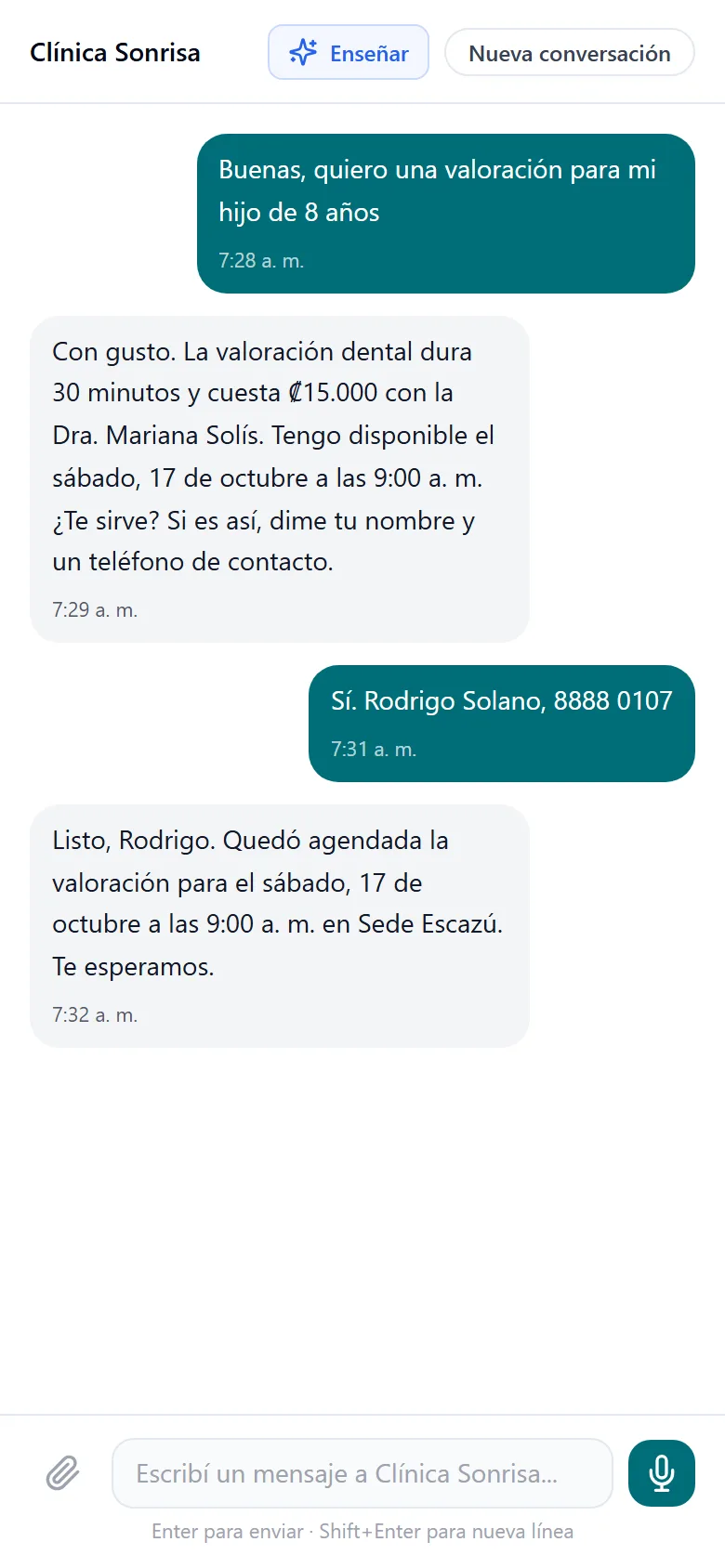
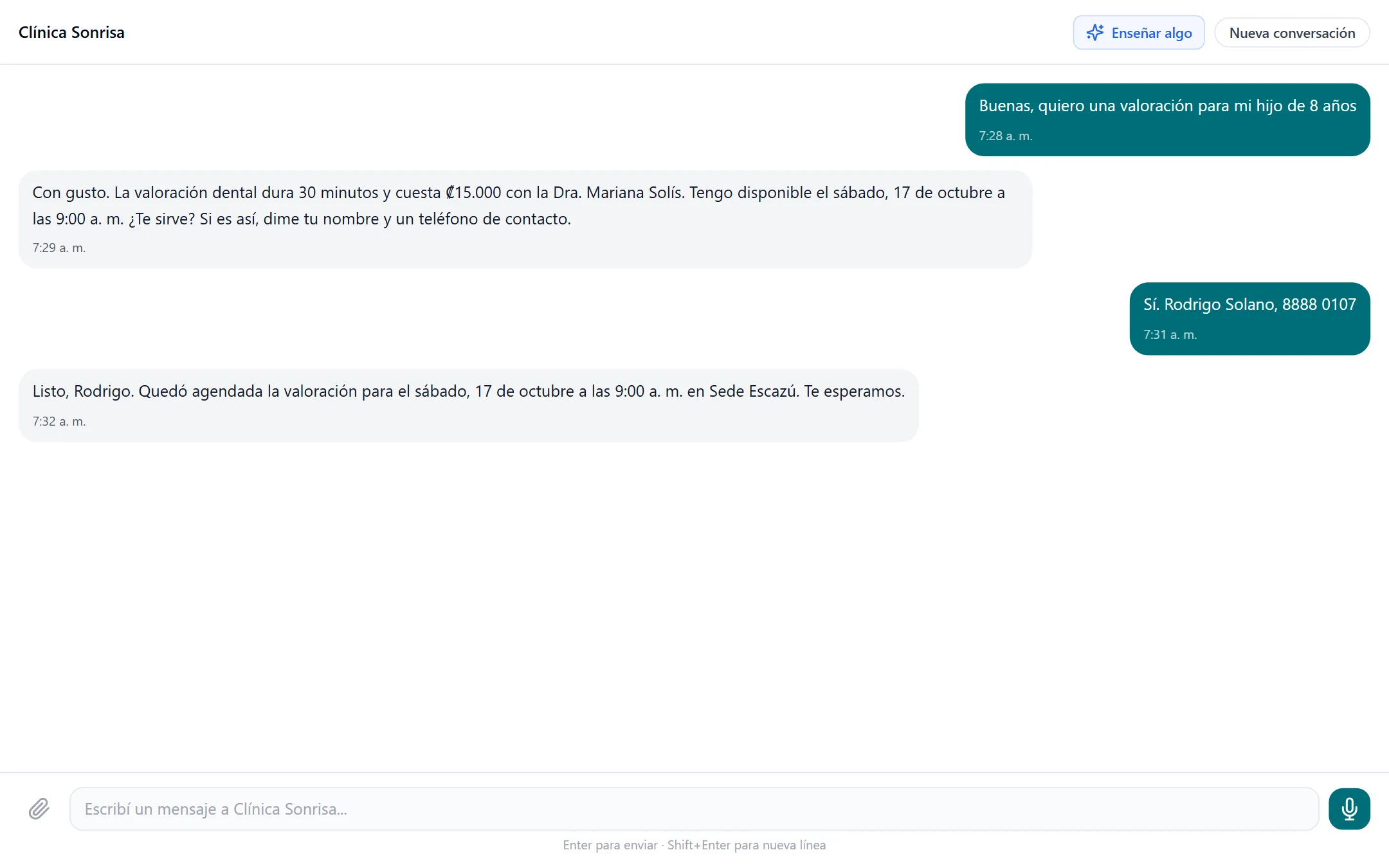
Your assistant has a public address where anyone can chat with it: put it on a button on your site, in your Instagram bio or in a QR code.
- Your visitors ask questions, book appointments and place orders just like on WhatsApp.
- You can protect it with a password if it is for a closed group.
- If they ask to talk to a person, the chat asks for their contact details and alerts your team.
- The messages arrive in the same inbox as the rest.
The widget to embed the chat directly inside your site is in development.
You teach it once and it answers everywhere.
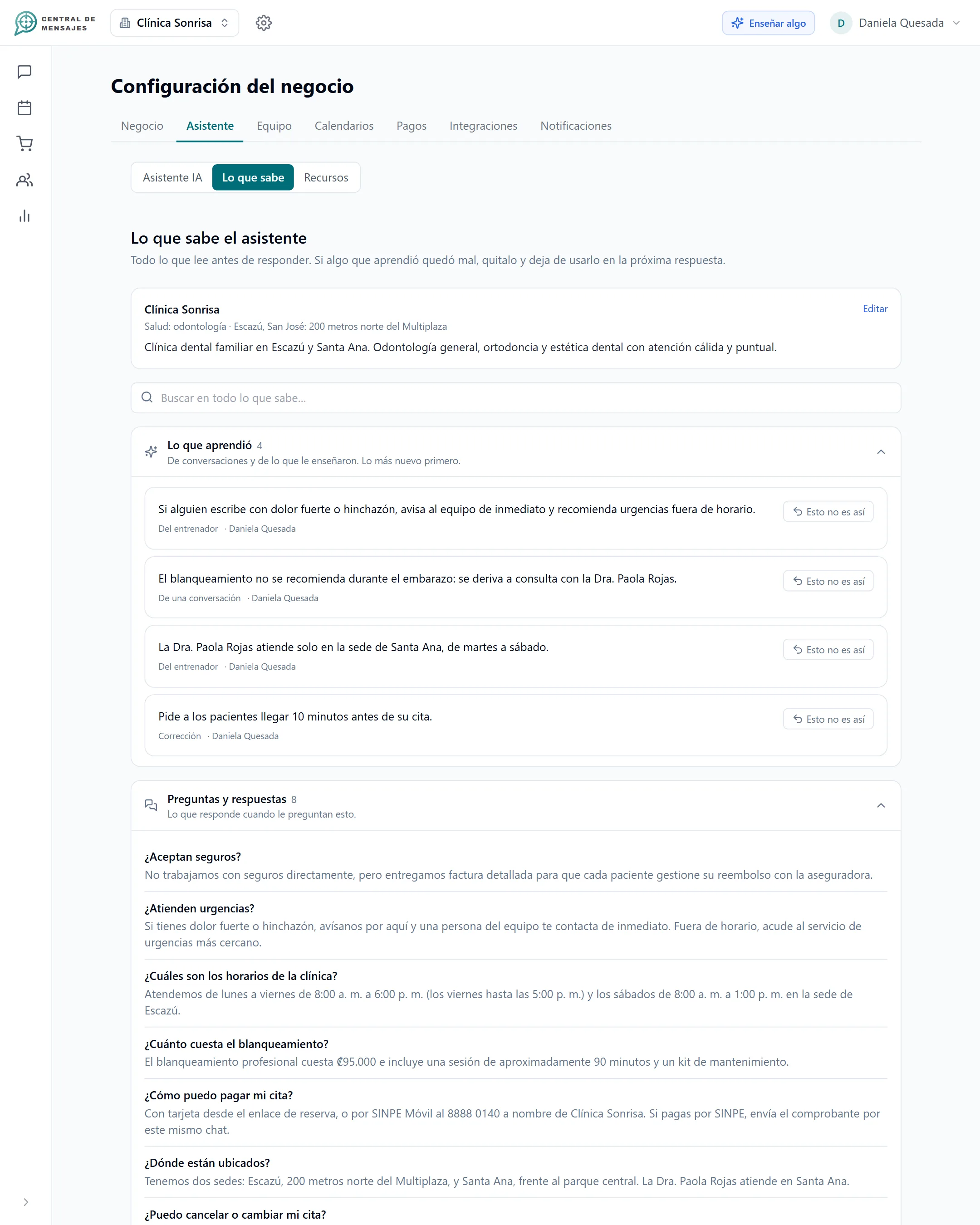
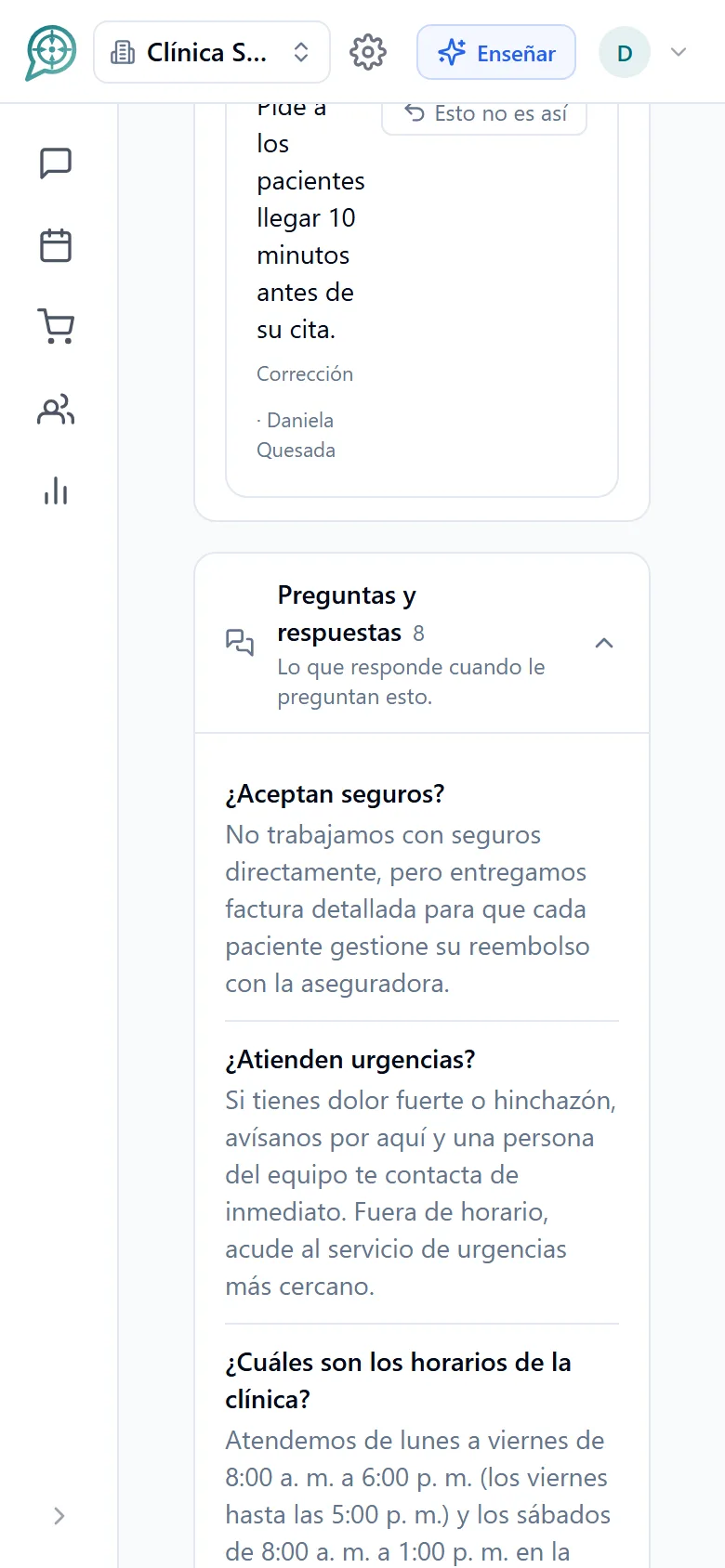
Prices, hours, policies, frequently asked questions and exceptions: you tell it by chat or by voice, and it uses that on every channel.
- When it does not know something, it asks you and learns it for next time.
- If a person is needed, it escalates the conversation to whoever is responsible.
- It never makes up a price: if it is not on your list, it alerts your team.
From your website visitor to a person on your team.
The assistant resolves what it can and hands off what it cannot, with a summary so nobody repeats questions.
The details that save you headaches.

Team and roles
Assign conversations and let each person see what is theirs.
Escalations
Every alert reaches whoever should handle it, and the reminder continues until someone acts.

24-hour window
We alert you when the limit Meta allows for replying is getting close, so you do not lose the thread.

Voice notes
Audio messages are transcribed so you and the assistant can understand them.

Several accounts
Several numbers and Pages per business, and several businesses on the Enterprise plan.

Protected credentials
The access to your channels is stored encrypted with AES-256.
Frequently asked questions
Which channels can I connect?
WhatsApp Business, Facebook Messenger, Instagram, Facebook and Instagram comments, and your business web chat.
Can I put the chatbot on my website?
Yes: your assistant has a public chat that you can link to from a button on your site, your bio or a QR. The widget that embeds directly inside your page is in development.
Can I connect several WhatsApp numbers?
Yes. A business can have several numbers, Pages and calendars, and the same assistant handles them all according to the instructions of each line.
What is the 24-hour window?
Meta lets you reply freely to a customer within 24 hours of their last message. Central de Mensajes alerts you when that limit is getting close and, on WhatsApp, lets you continue with an approved template.
Why does my Facebook profile not show up when I try to connect it?
Most likely you have a personal profile instead of a Facebook Page. Facebook’s policies only allow connecting Pages. Learn how to create a Page (free, under 5 minutes).
Can I take over a conversation?
Always. When you write, the assistant pauses in that conversation and turns itself back on only after 30 minutes, or sooner if you decide.


Organize your messages,
multiply your sales,
get your day back.
We are opening Central de Mensajes gradually. Message us and we will help you try it in your business. No contracts.
+1 321 386-0810 · 2-week free trial, no credit card · Support over WhatsApp