
The assistant books for you
Your customers write, the assistant checks your real calendar, offers free times and books the one they pick. No back-and-forth, no double bookings.
Learn more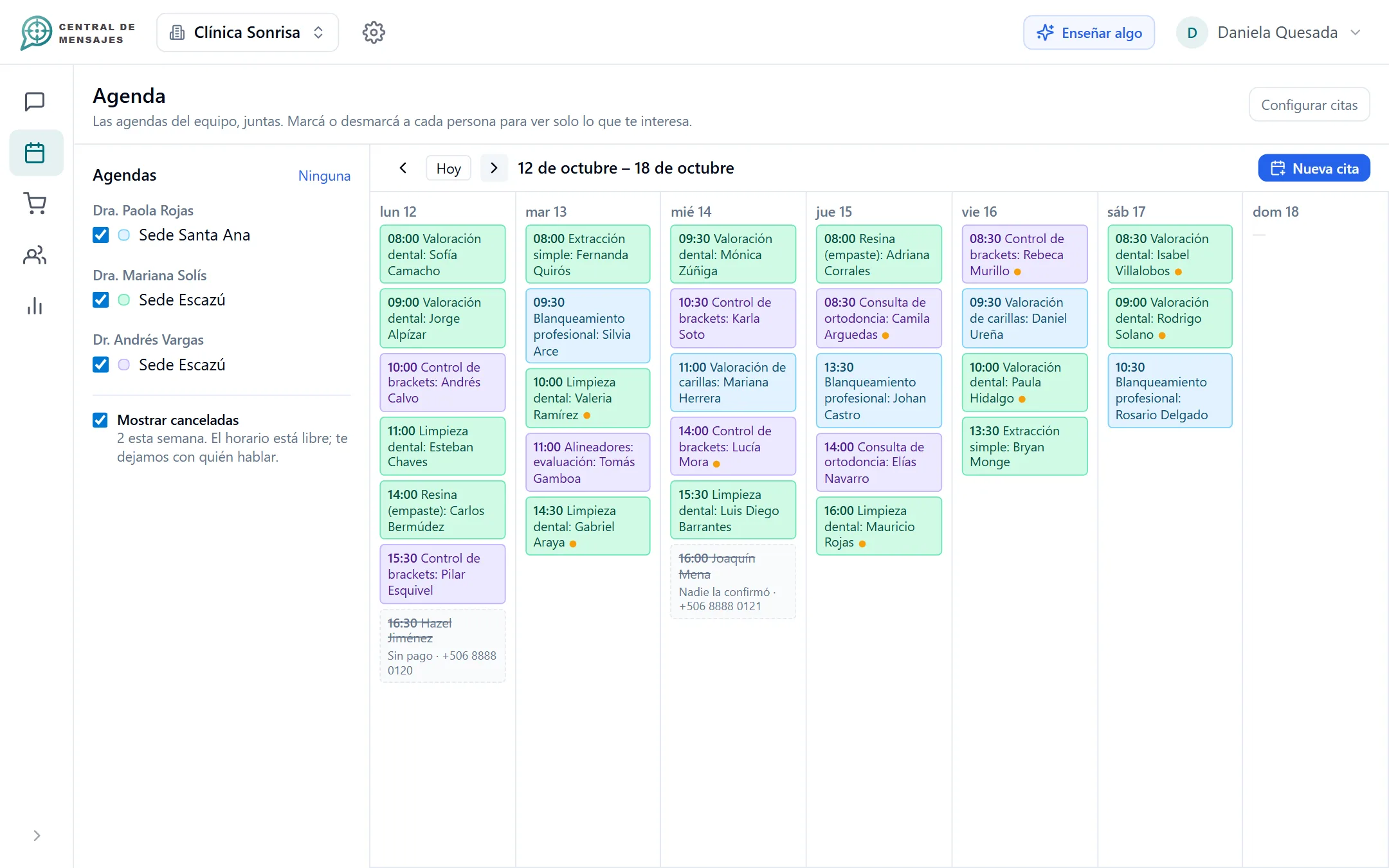
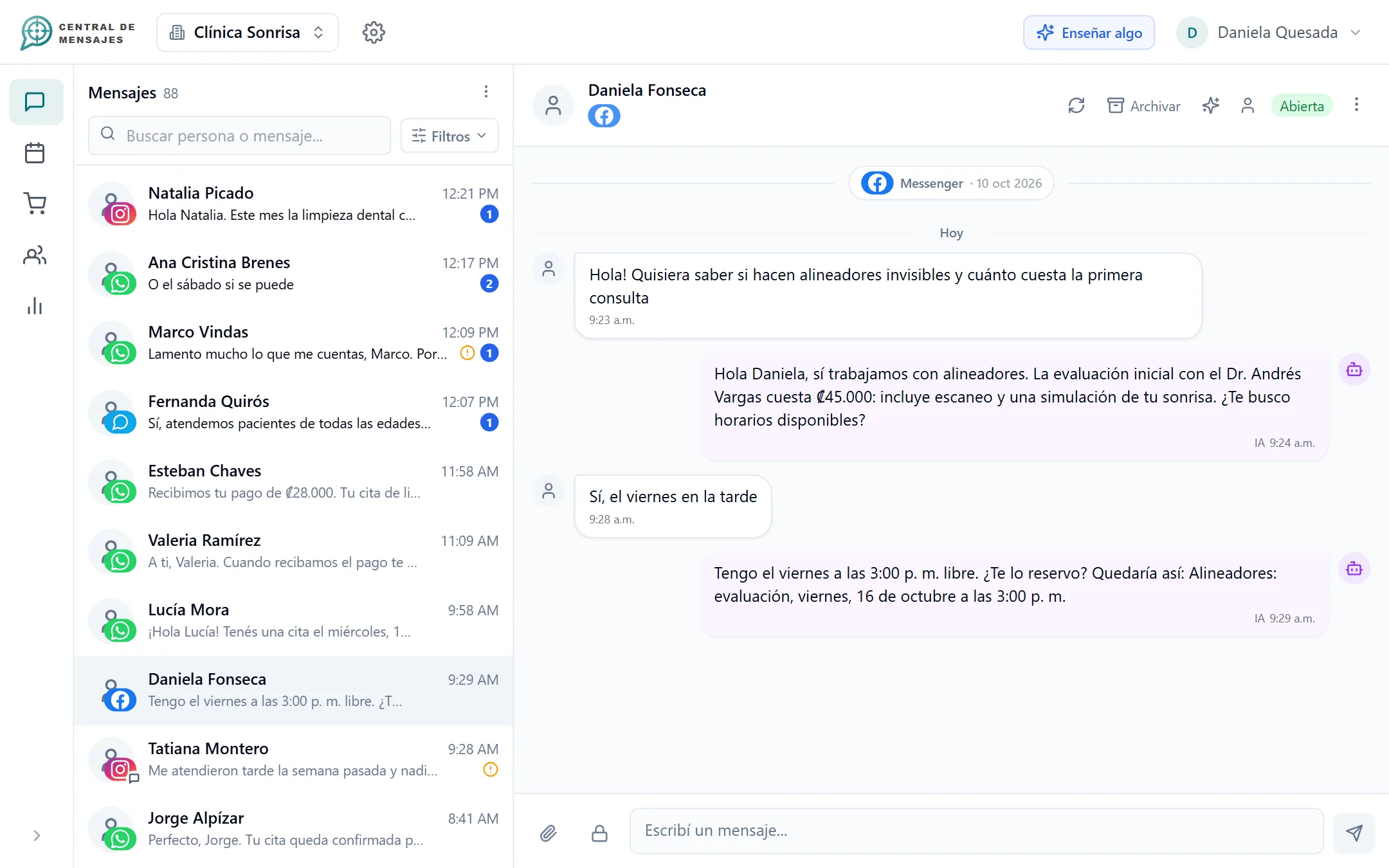
The freedom to grow without being tied to your phone. Central de Mensajes brings your channels together and puts AI to work: it replies, books appointments, collects booking payments and tracks your orders, while you get your time back.

You have WhatsApp open and keep working, but at the end of the day you see unread messages. And you know they were from people who already had the money in hand.
It is not about replying fast. It is about not letting the sale slip away while you are busy.
See all the benefitsA customer writes. The assistant chats, books, collects payment, confirms and tracks the order. Your team steps in only when needed.
Your customers write, the assistant checks your real calendar, offers free times and books the one they pick. No back-and-forth, no double bookings.
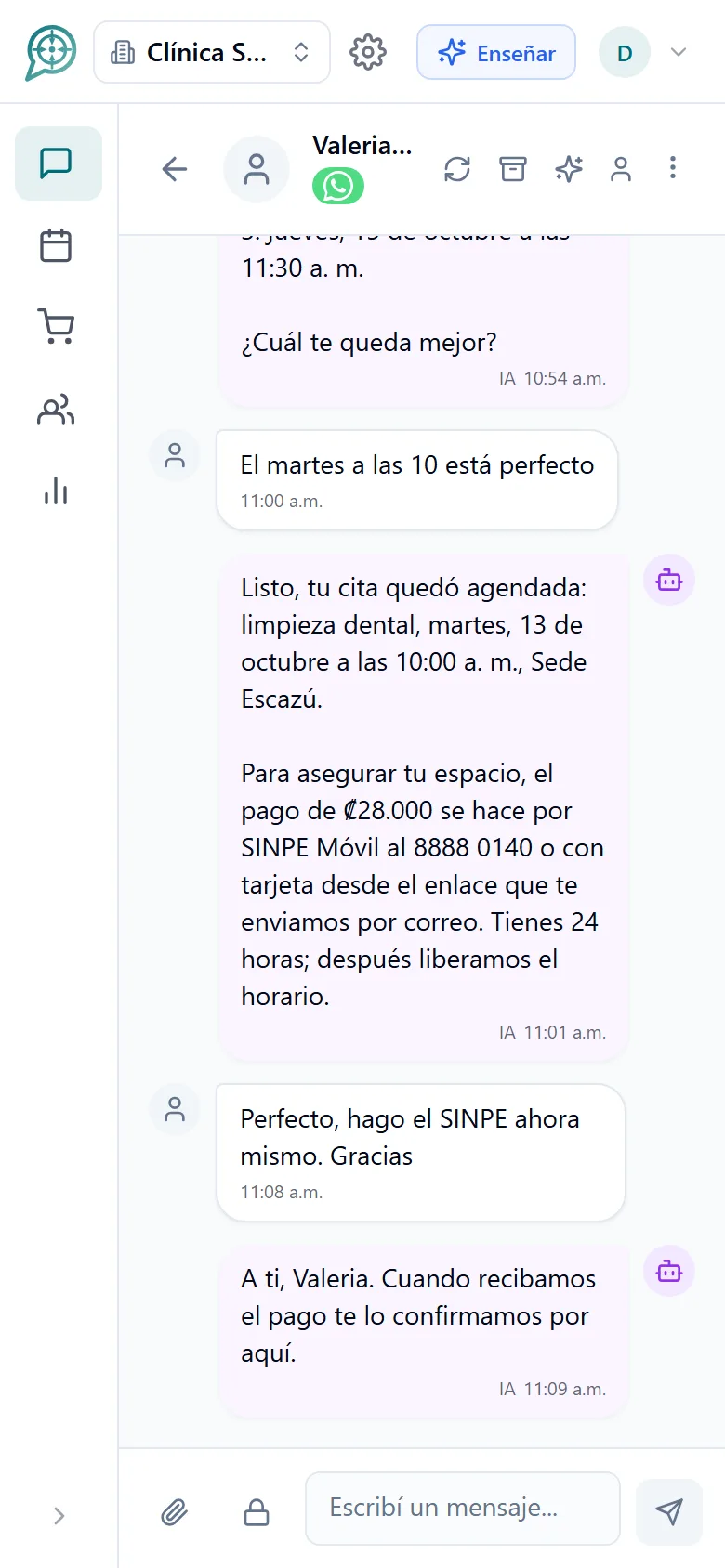
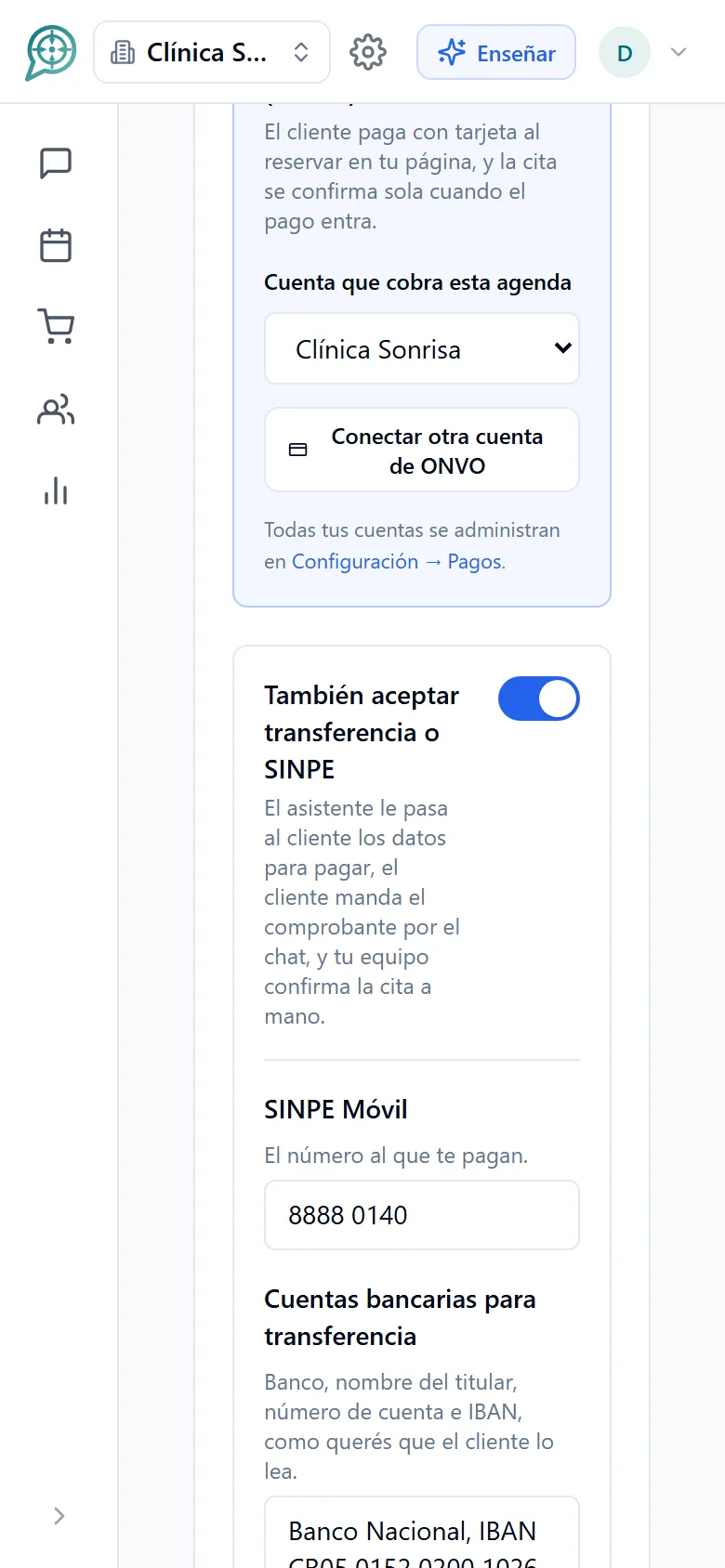
Learn moreAsk for payment by card or SINPE to secure the appointment. If they pay, it is confirmed; if not, the time slot is free again.
Learn more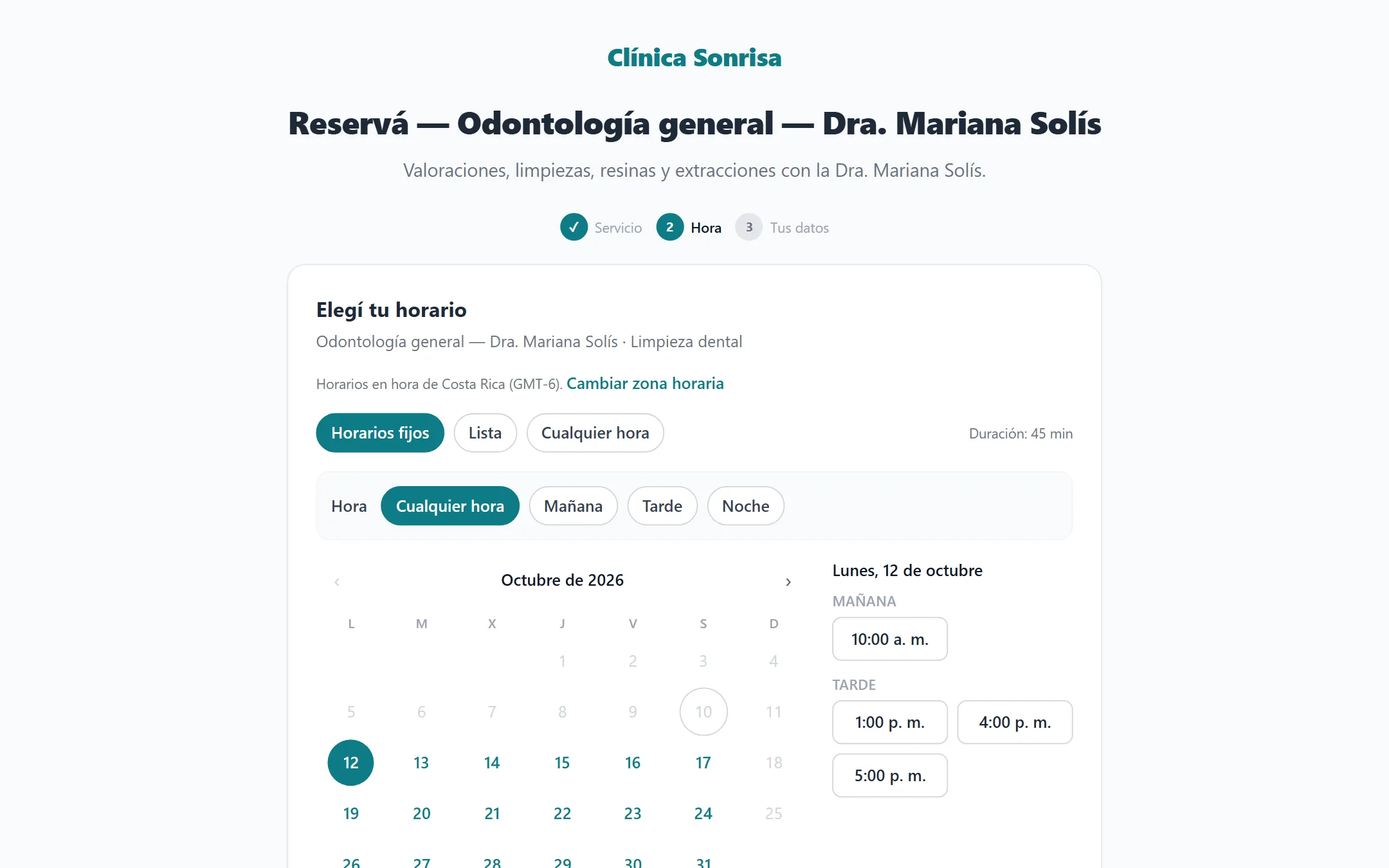
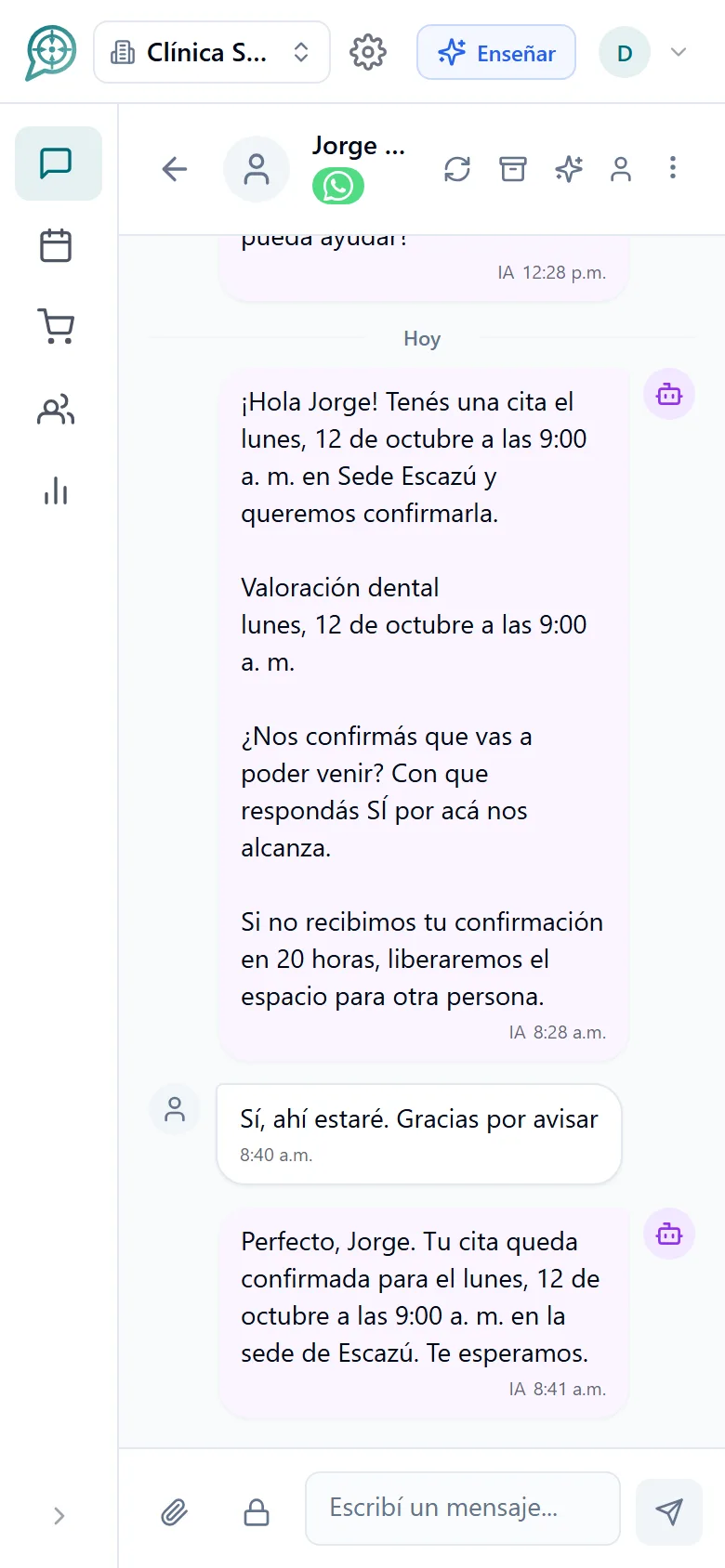
Reminders and a simple question before the appointment: "Are you confirming?" When they answer yes, it is confirmed. Fewer no-shows.
Learn more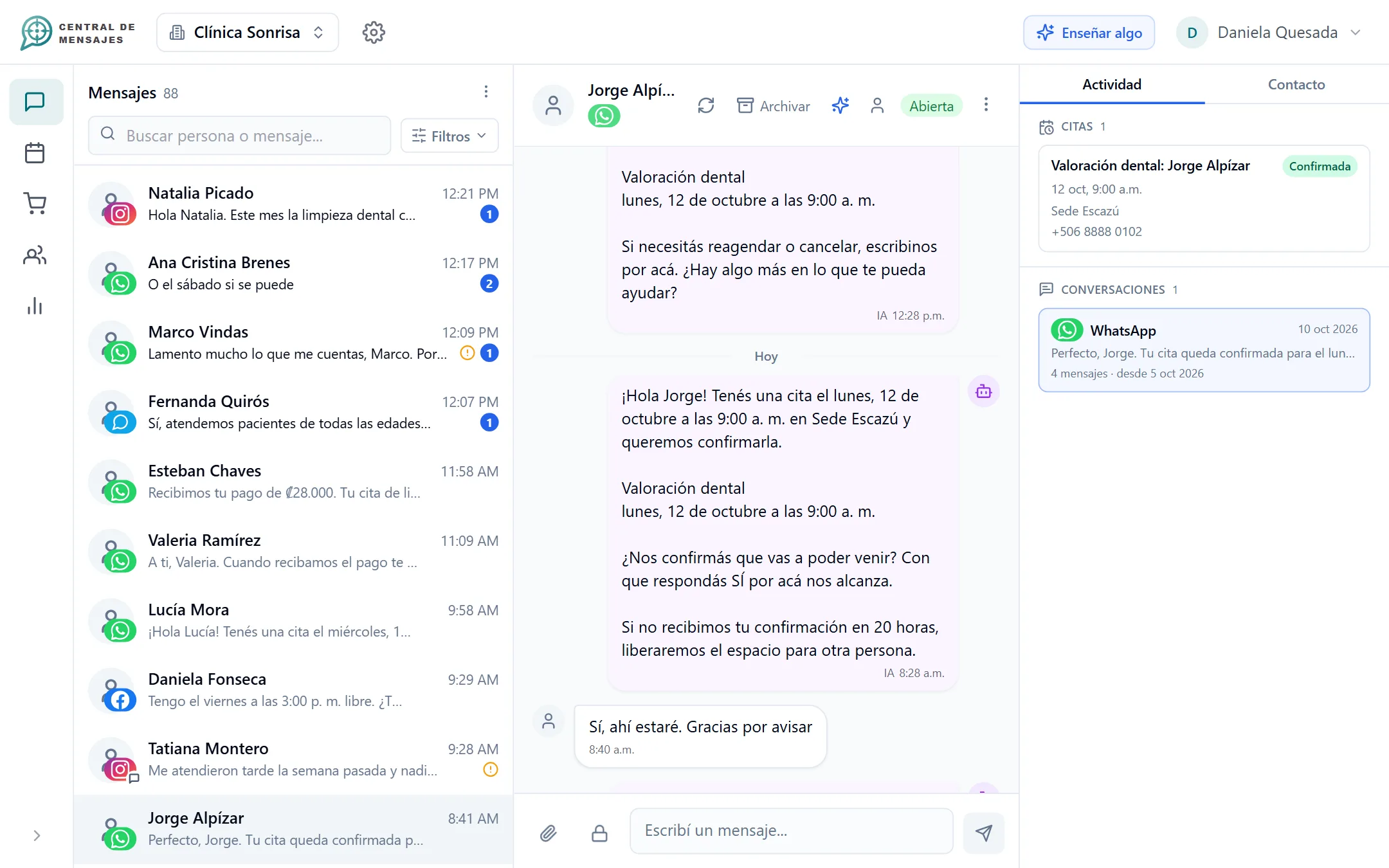
Answer in public what your business already knows, react to the compliments and take the complaints and tough questions to a private message.
Learn more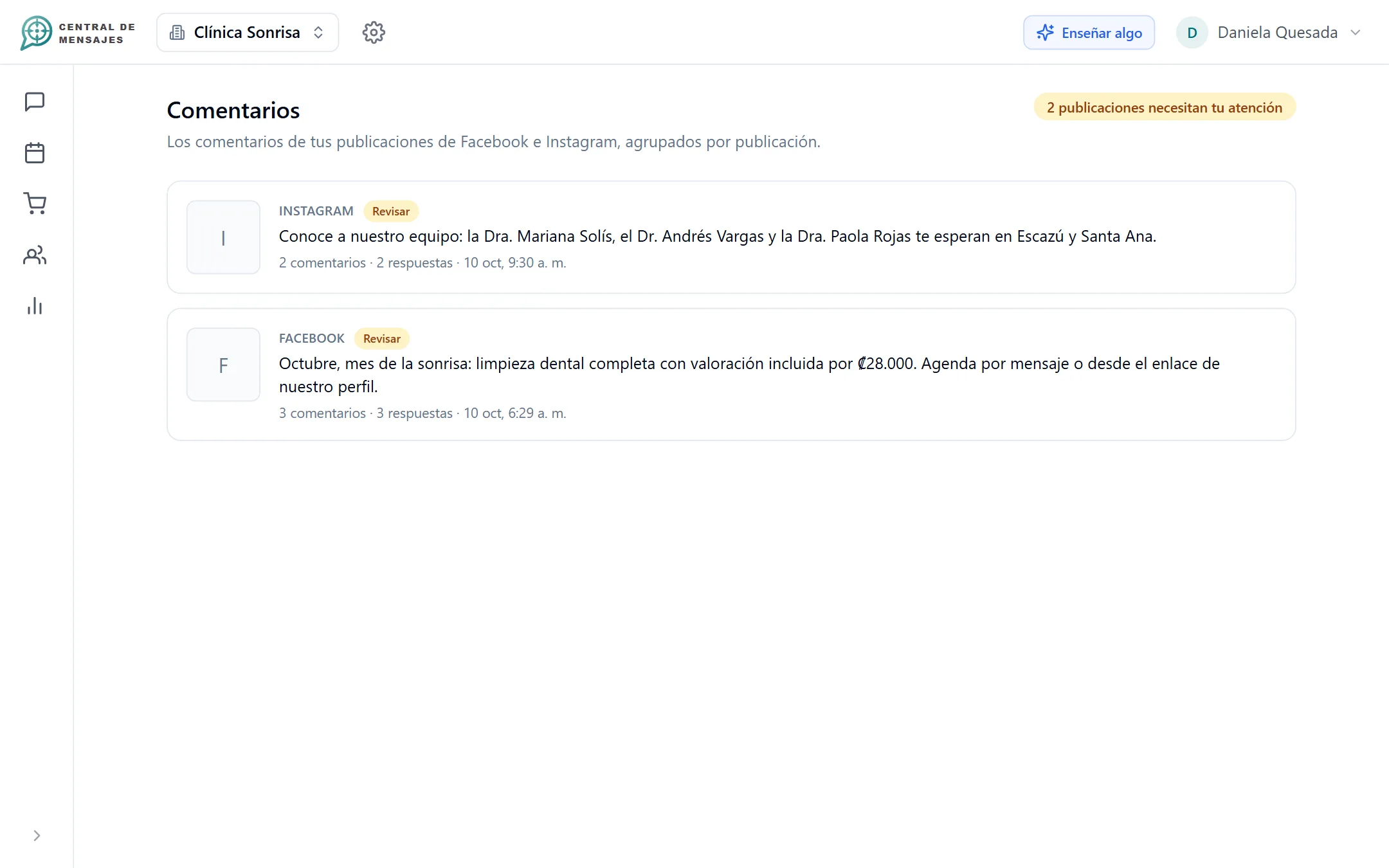
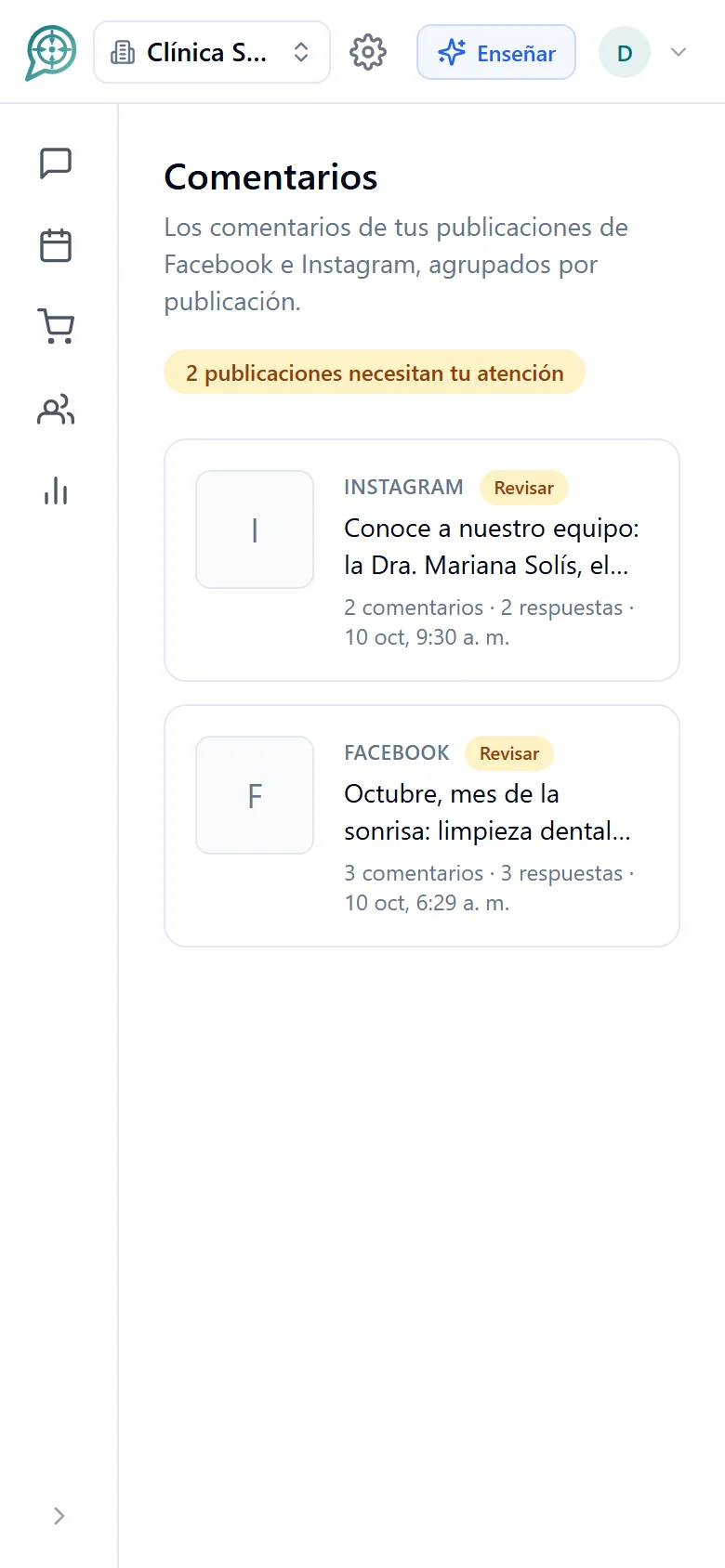
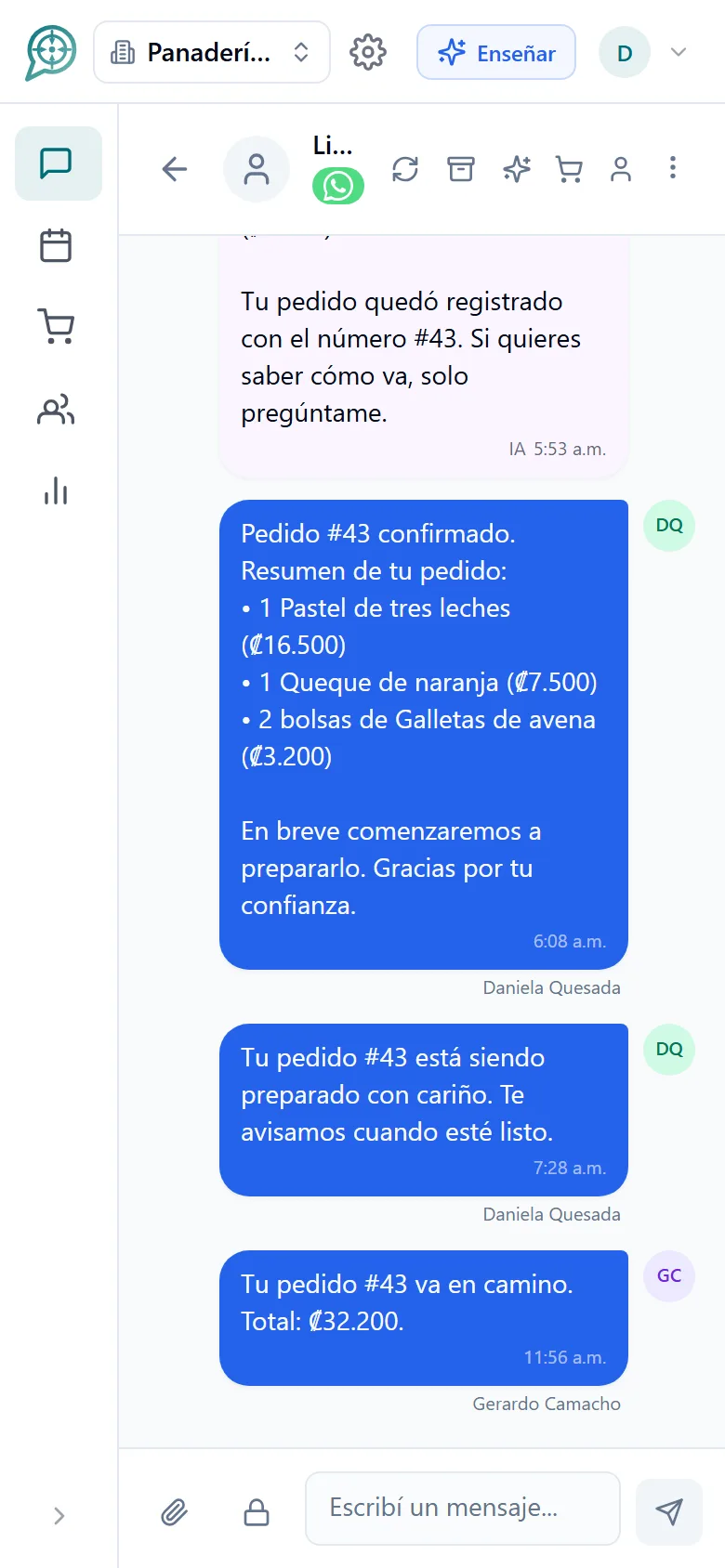
Every order has its number and its timeline. You update the customer at each step and they can ask "how is my order going?" whenever they like.
Learn more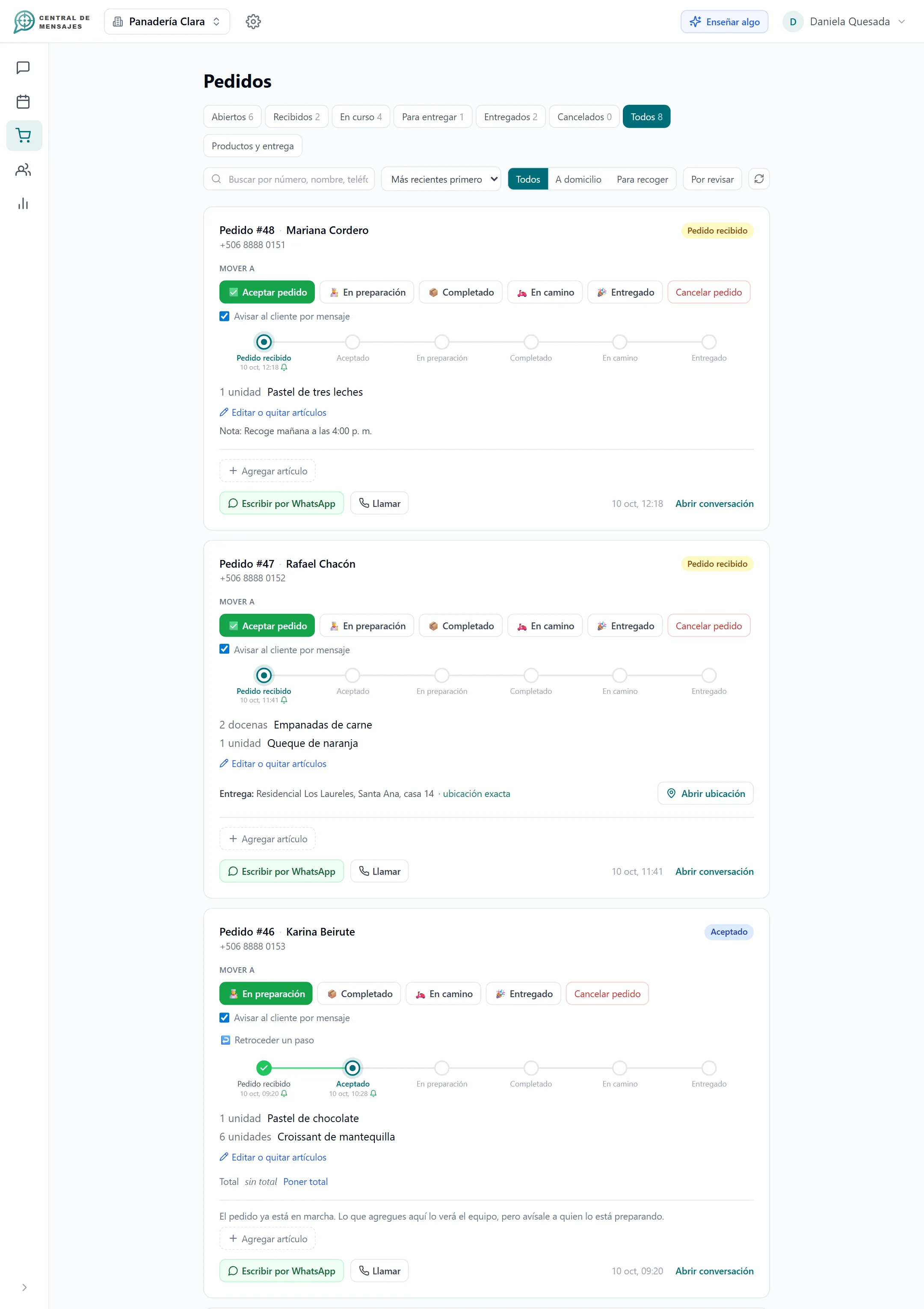
No complicated setup and no tech expert needed.

Link WhatsApp Business, your Facebook Page and Instagram in minutes, and turn on your business web chat. No programmers.

Tell it about your business: products, prices, hours, services. You can dictate it. It learns and answers the way you would.

Your assistant replies instantly, books appointments and takes orders. You only step in when the situation calls for it.

It learns from your business and replies instantly in your tone, with your prices and your hours. If it does not know something, it tells you instead of making it up.

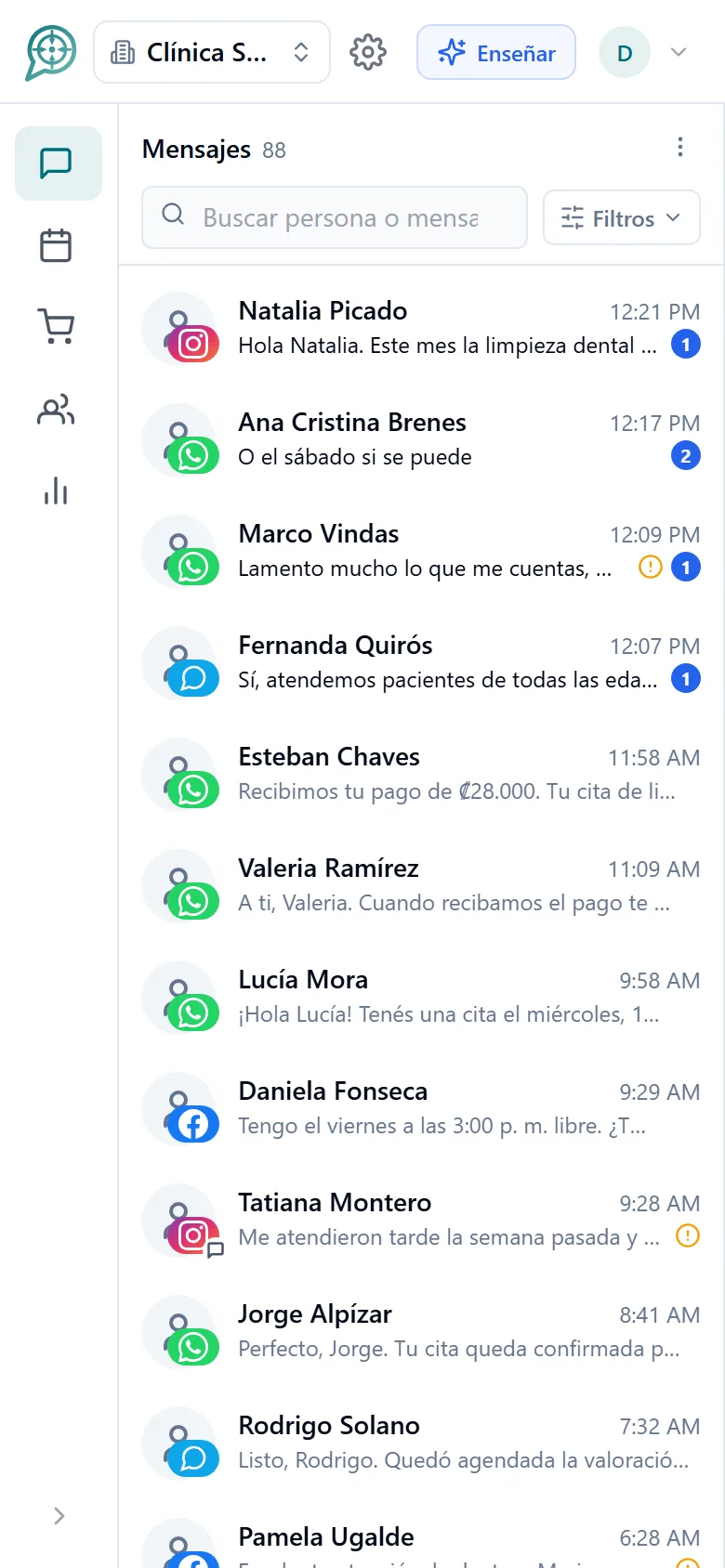
WhatsApp, Instagram, Facebook and your web chat on one screen. Your team sees everything, with no duplicate replies and no lost conversations.

Supervise, reply and delegate from any device. Your business keeps serving customers even after you have gone home.

Assign conversations, define roles and work in parallel. Every escalation reaches the right person.
Tell it your prices, policies and exceptions by chat or by voice. The assistant learns and asks you about what it does not know.

Transcribes your customers’ audio messages so the assistant and your team can read and answer them without listening.

Pick the conversation back up with people who stopped replying and remind them of their appointments. All in your tone and within each channel’s rules.

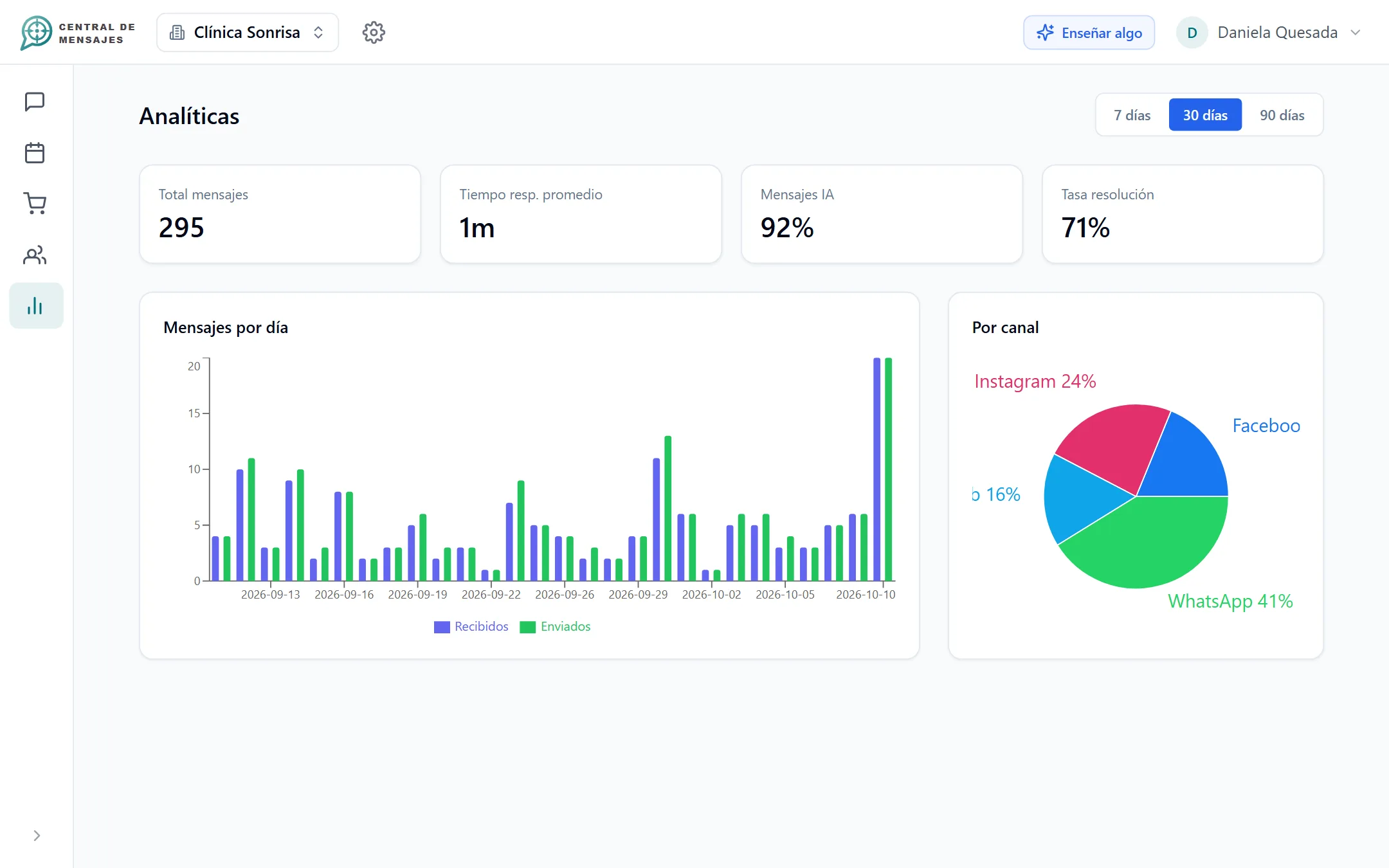
See what time most customers arrive, which channel performs best and how long your team takes to reply.

Your channel credentials are stored encrypted with AES-256 and each person sees only what their role allows.
Each one has its own page with real screenshots of the app.

The assistant offers real times and books for you.
Learn more
Confirm the appointment when they pay by card or SINPE.
Learn moreWhatsApp, Instagram, Facebook and your website chat.
Learn more
Reply to and react to the comments on your posts.
Learn more
A number, statuses and customer updates at every step.
Learn moreMore time, more sales, fewer no-shows and a more professional image. All in one place.
See benefitsAt the office, at home or on the road: Central de Mensajes adapts to any screen. There is nothing to install and your team sees what you see.

Automated its WhatsApp orders and sends promotions to its regular customers.

Qualifies and answers every inquiry that arrives through Instagram and WhatsApp, instantly.

Generates quotes and answers questions without the owner having to stop working.
“I used to spend hours answering the same orders on WhatsApp. Now the AI takes them, confirms them and even sends my customers the week’s promotions. I focus on the business.”Carnicería La Orquídea
Costa Rica · WhatsApp
“We got dozens of messages a day asking the same things: prices, services, availability. Central de Mensajes answers them all instantly and we only take the calls that already arrive qualified.”Crecimiento con IA
Costa Rica · Instagram and WhatsApp
“My customers ask about detailing prices, availability and materials all day long. I could not answer while I was working. Now the AI builds them a quote in seconds and I close the job.”El Garaje Auto Boutique
San Ramón, Costa Rica · WhatsApp
Creating your account and teaching the AI about your business takes under 10 minutes, and the web chat starts answering right away. We are in launch: WhatsApp, Instagram and Facebook switch on as soon as Meta gives its final approval. No contracts and no credit card to start.
WhatsApp Business, Facebook Messenger messages, Instagram messages, Facebook and Instagram comments, and a web chat for your site and your social profiles. Everything lands in one inbox. See the channels.
Yes. It reads your calendar, offers only times that are truly free and books the one the customer picks, in the same chat. It cannot book a time it did not offer you or cancel appointments: that stays with your team. Explore smart scheduling.
Yes. You can ask for payment by card or by SINPE and confirm the appointment only when the payment arrives; if they do not pay in time, the slot is released. Afterwards, the customer gets the confirmation on WhatsApp. See bookings with payment.
The assistant answers in public the questions your business already knows how to answer, reacts to and thanks positive comments, and when someone has a question it cannot resolve or a complaint, it replies respectfully and writes to them privately. See comments and reactions.
Yes. You load your catalog and prices, the assistant takes orders in the chat, every order gets a number and you update the customer at each step: accepted, being prepared, ready, on the way, delivered. See order tracking.
Most likely you have a Facebook personal profile instead of a Page. Facebook’s policies do not let outside tools connect to personal profiles through the API, whether or not the profile is used for business. Only Pages can be connected to platforms like Central de Mensajes. Facebook explains the difference here.
It is very common and the fix is simple:
Yes. It uses your business context (hours, prices, services, products) to answer 24/7. You can take over at any moment by typing directly: the AI pauses and turns itself back on after 30 minutes. If it does not know something, it alerts your team instead of making it up.
It depends on the plan: the free trial, Basic and Professional include 1 user, and the $100 plan allows several users. Everyone sees and replies from the same inbox. See plans.
Yes. Central de Mensajes works in the browser and is built for phone, tablet and computer. There is nothing to install.
Have another question? Message us on WhatsApp
We are opening Central de Mensajes gradually. Message us and we will help you try it in your business. No contracts.
+1 321 386-0810 · 2-week free trial, no credit card · Support over WhatsApp